Hotels, motels & short stay
Hotel and short-stay guest WiFi that guests actually rate.
Guests expect fast, reliable WiFi — it's consistently rated the most important hotel amenity, ahead of breakfast, parking and location, and one bad review about connectivity can outweigh dozens of positive ones. We design and install enterprise-grade WiFi, CCTV and access control built for high device density, 24/7 operation and guests who won't tolerate dead zones.
- Coverage in every room, corridor, pool area and car park
- Per-VLAN isolation — guests can't see each other or your systems
- Branded captive portal with optional vouchers or room codes
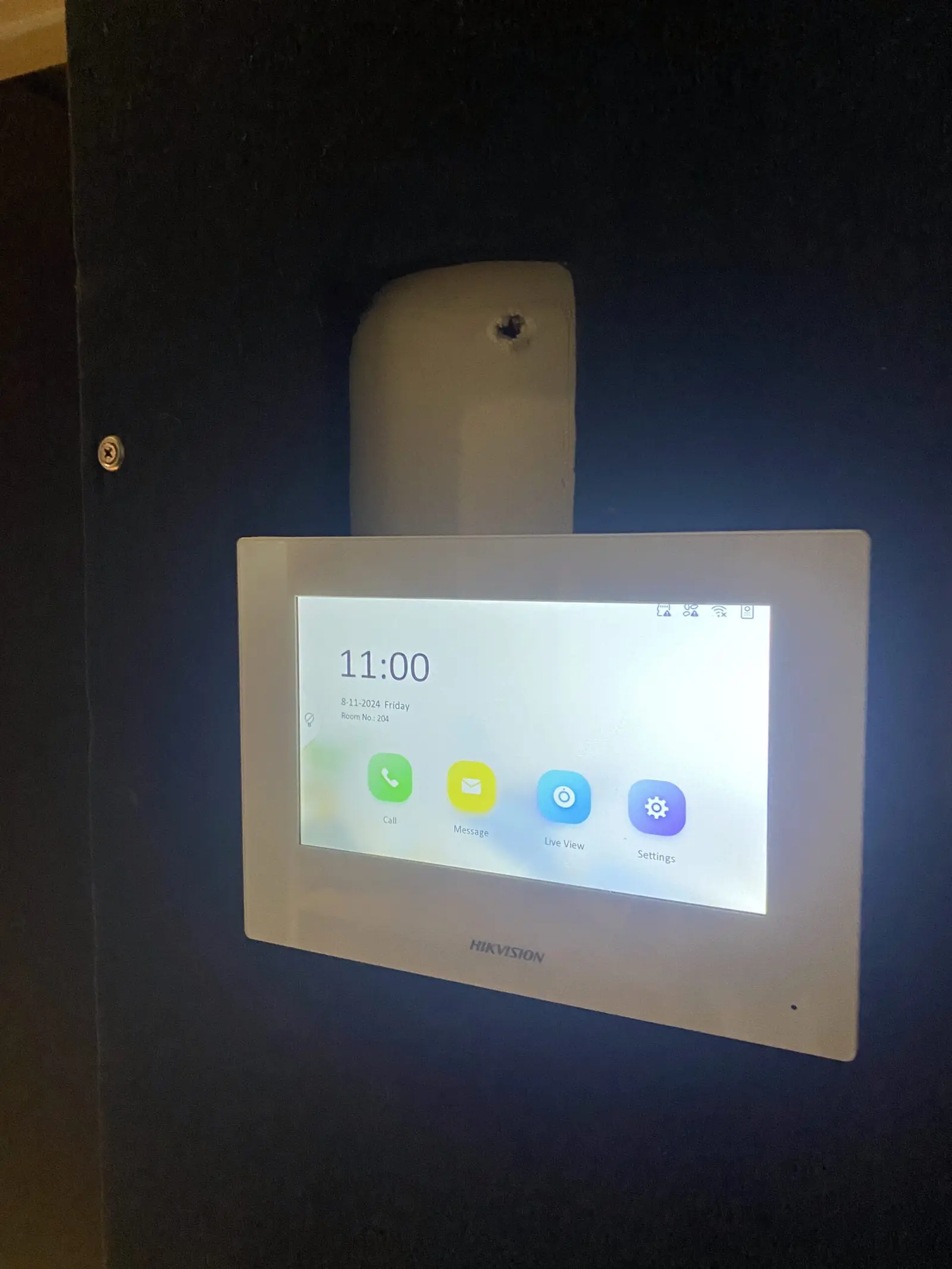
- Self check-in intercoms and remote credential management
The problem
A full house is when hospitality WiFi breaks.
Most motels and older hotels were wired for one modem and a couple of repeaters. That arrangement tests fine at 11am with four devices connected and falls apart at 8pm with a full house, when every room has a phone, a laptop and a streaming stick, and the far end of the corridor is three concrete walls from the nearest radio.
The complaints follow a pattern: the room at the end of the wing, the courtyard, the car park, the conference room during an event. Guests don't report a technical fault, they leave a review. Meanwhile the front desk is on the same flat network as the guests, the POS shares it too, and a single guest running a large download can slow the property's own operations.
Then there's the key problem. Physical keys and old-style cards are a liability — lost keys, unauthorised copies, no audit trail — and unstaffed or self check-in properties have no way to verify who came through the door at 2am. Cameras usually exist somewhere, on a recorder nobody can get footage off quickly, which is exactly when it matters.
What we install
One platform for guests, staff and security.
Cameras, doors and WiFi managed from the same dashboard — no separate DVR, no coax cabling, no second app to manage.
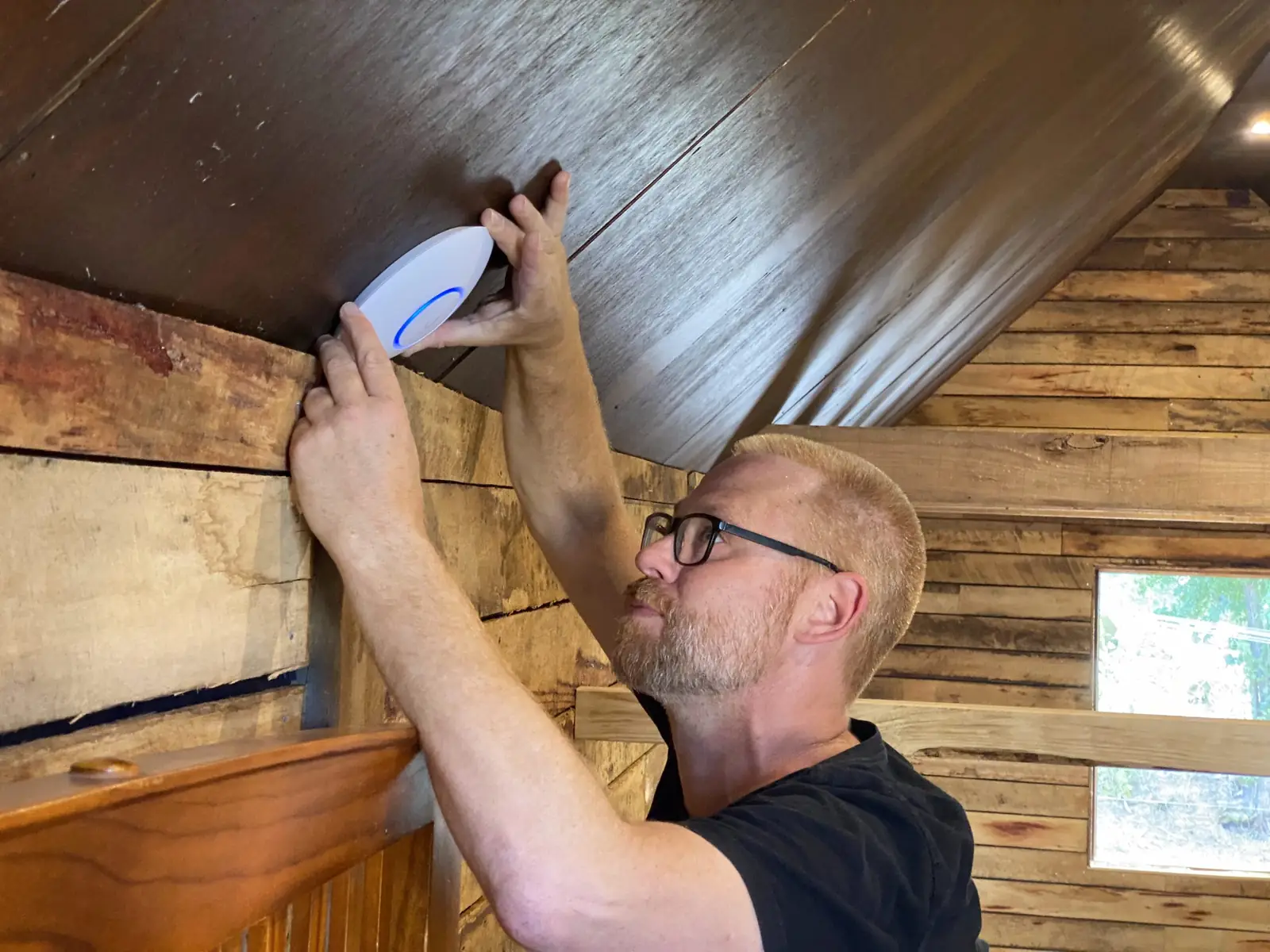
In-room and corridor access points
Full coverage across every room, corridor, pool area and car park — no dead zones, no drop-outs. In-wall units suit room-by-room deployments, ceiling units cover corridors and public areas, and outdoor units pick up courtyards and parking.
View the hardwareGateway and guest VLANs
Each guest SSID runs on its own VLAN so guests are isolated from each other and from your operations network. Staff, POS and CCTV all run on separate networks guests can't touch, with bandwidth controls per SSID and a branded captive portal with optional vouchers or room codes.
View the hardwarePoE switching
One switch stack powering access points, cameras, readers and intercoms, with the power budget checked against the device list before anything is ordered.
View the hardwareUniFi Protect cameras
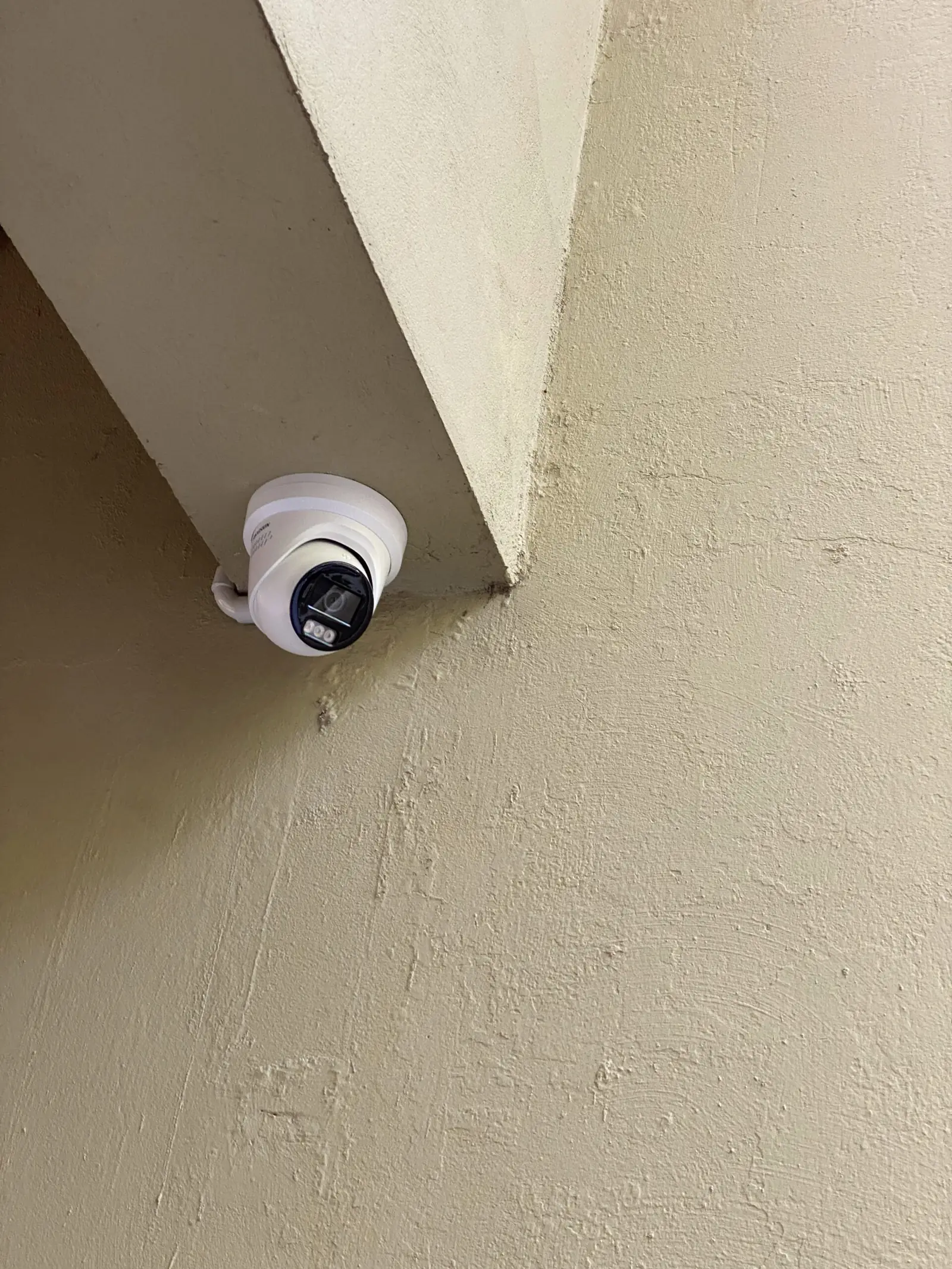
4K cameras across common areas, car parks, corridors and entrances, with AI smart detection for people, vehicles and packages, and 30–90 days of local storage on a UniFi NVR. Cameras run over the existing PoE infrastructure — no separate DVR, no coax, no second app.
View the hardwareAccess control and intercoms
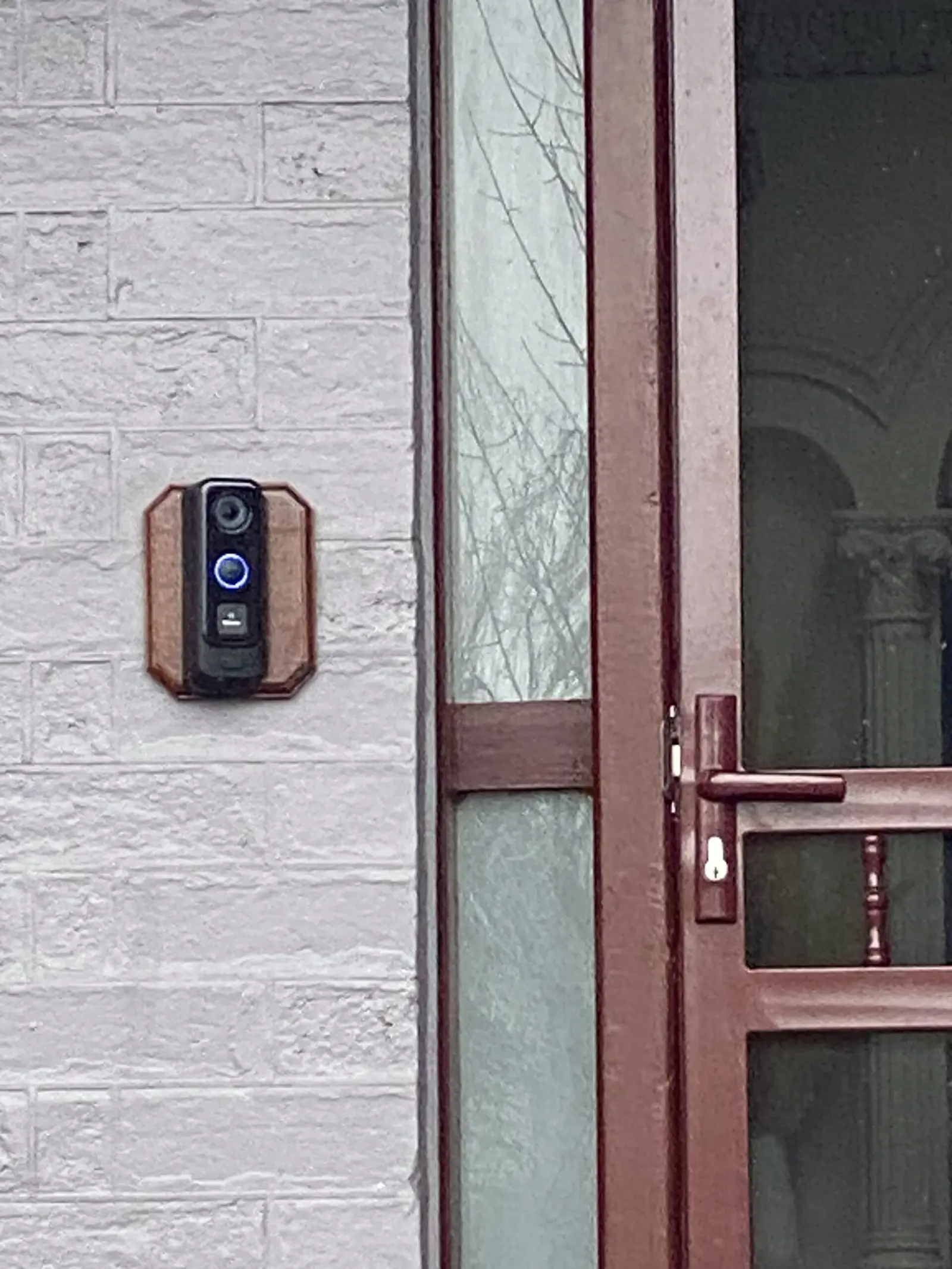
Keycard, PIN and mobile credential readers with a full audit trail of who entered, when and where. IP video intercoms let guests at unstaffed properties call reception or unlock a door from an app, and credentials can be issued or revoked remotely at any time.
View the hardwareCabling and racks
Cat6 or Cat6A back to a labelled patch panel in a lockable comms room, run through risers and roof spaces so corridors and rooms are left as they were found.
View the hardwareUniFi is our default and most of what goes into a property. Where it makes sense we also fit Yealink handsets for reception and in-room phones, TP-Link Omada, APC UPS protection, and Hikvision cameras where an existing fleet is worth keeping.
How we work with properties
We work around your operations.
A property can't close for a network upgrade, so the job is staged around occupancy and check-in.
Installations around your schedule
Works are staged into unoccupied rooms and outside peak check-in hours.
Remote monitoring
Issues are resolved before guests notice, and configuration changes are pushed without a site visit.
Multi-property management
Every venue managed from a single UniFi portal, with one view across the group.
Fixed-price quotes
Quoted per property with no hourly surprises, and no subscription for basic recording.
What happens next
From walk-through to first guest login.
Staged so rooms come back into service as each wing is finished, rather than at the end of the job.
- Step 01
Property walk
We walk the property with a WiFi analyser — rooms, corridors, stairwells, pool, car park — and check how much signal the room walls actually take out.
- Step 02
Design
AP count and placement per floor, SSID and VLAN structure, camera schedule for common areas, door and intercom list for check-in, and the cabling routes to serve them.
- Step 03
Cabling
Runs through risers, ceiling spaces and existing conduit, terminated and tested into a labelled patch panel in a lockable comms room.
- Step 04
Install by stages
Installations are scheduled in unoccupied rooms and outside peak check-in hours, floor by floor or wing by wing, so the property keeps trading throughout.
- Step 05
Configure and test
Guest portal branded and tested, vouchers or room codes set up, VLAN isolation verified, cameras added to Protect, readers enrolled, roaming tested down every corridor.
- Step 06
Handover and monitoring
Front-desk staff trained on vouchers and credentials, as-builts issued, and optional remote monitoring so we see device outages before your guests do.
FAQs
What operators ask us.
Do we need an access point in every room?
Can guests see each other on the network?
Can we brand the login page and use room codes or vouchers?
How long is CCTV footage kept?
Does this work for unstaffed properties and short-stay apartments?
Can you manage several properties for us?
From the work
Recent short-stay work
Request a quote
Stop losing reviews to the WiFi.
We'll walk the property, map the dead zones and quote a fixed price for the network, cameras and access control — staged around your occupancy.