Warehouses & factories
Warehouse WiFi and CCTV coverage across big, difficult spaces.
Warehouses and factories are one of the most challenging environments for WiFi — and one of the most consequential. When connectivity fails on a warehouse floor, so does your WMS, your scanners, your comms and potentially your entire operation. Most industrial facilities in Melbourne are still running consumer-grade or legacy systems that were never designed for a modern logistics or manufacturing environment.
- Site survey before a single cable is run
- Scanner and WMS traffic on its own VLAN
- Dock, aisle and perimeter CCTV over the same PoE network
- White Cards, inductions and SWMS for every job
The problem
A hostile RF environment, and an expensive one.
High ceilings, steel racking, concrete tilt-up walls and rolling machinery all combine to create a hostile RF environment. Signal drops off sharply over distance, reflects unpredictably off metal surfaces, and competes with interference from forklifts, conveyor motors and industrial equipment.
Add in the need to cover dock doors, mezzanine offices, cold storage and external loading areas, and you quickly realise a single router isn't going to cut it. The usual result is a floor with coverage in the middle and nothing at either end: pickers walking back to the office to sync a scanner, dispatch losing label printers, and the yard entirely dark.
Because the network is carrying the operation rather than just email, the cost of getting it wrong is measured in dispatch delays rather than inconvenience. The same is true of the security side — docks, roller doors and perimeter fencing are where losses happen, and they're usually the last places anyone put a camera.
What we install
Designed from a survey, not a catalogue.
Most warehouse operators need more than just WiFi — cameras, doors and network on the same infrastructure, managed from the same interface.
Industrial WiFi coverage
UniFi access points mounted at the optimal height to cover the floor without dead zones near racking or dock doors, managed from a single cloud-based controller that gives real-time visibility of every device on the network. Outdoor units extend coverage to yards and loading areas.
View the hardwareSwitching and PoE
PoE switching sized for the AP, camera and reader count, with fibre uplinks between the office rack and remote comms points when the distance exceeds what copper will carry.
View the hardwareGateway and VLANs
VLANs keep operational traffic — scanners, WMS, label printers — completely separate from staff devices and guest access, protecting network performance where it matters most.
View the hardwareStructured cabling
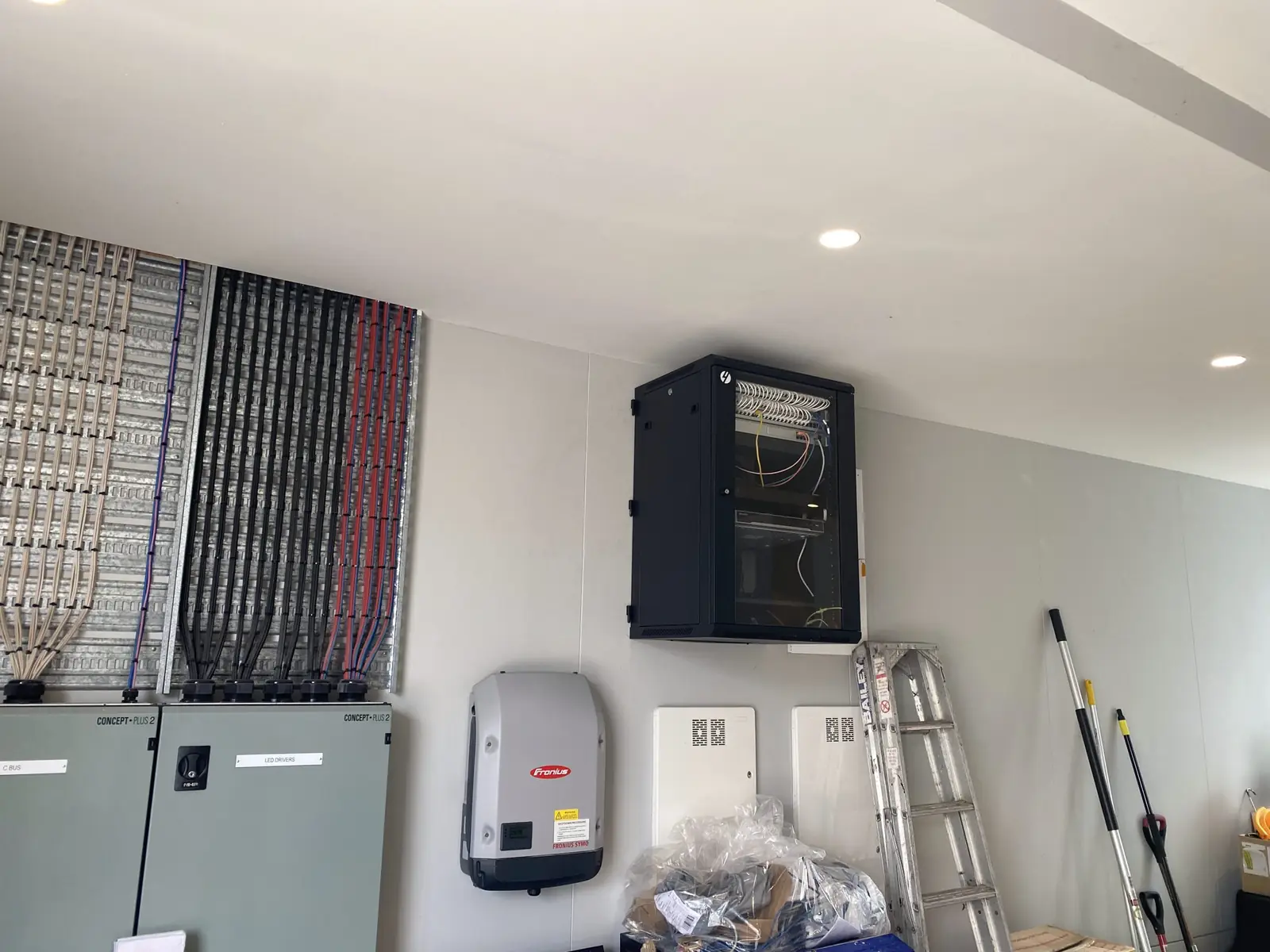
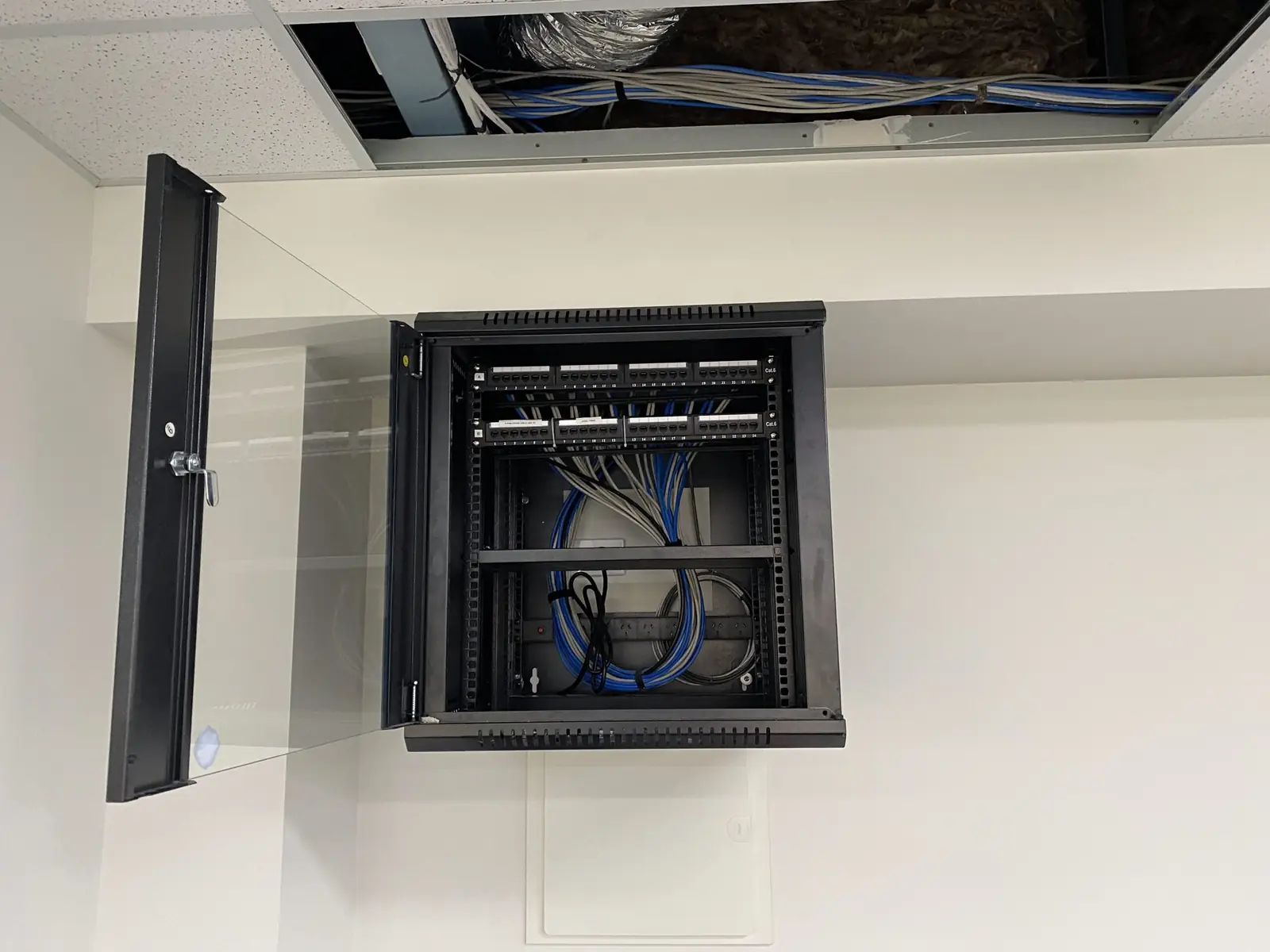
Every access point, camera and IoT device runs back to a central patch panel on Cat6 or Cat6A. We handle conduit, cable trays, penetrations and terminations, leaving a clean, labelled installation that's easy to expand as the business grows.
View the hardwareCCTV coverage
Complete UniFi Protect systems covering loading docks, entrances, internal aisles and perimeter fencing. Cameras run over the same PoE network infrastructure as the access points — no separate DVR system required.
View the hardwareAccess control
Roller doors, pedestrian entries and server rooms on controlled access, giving a complete audit trail of who accessed what and when, managed from the same interface as the cameras and WiFi.
View the hardwarePower protection
UPS on the rack so a site power blip doesn't take the recorder, the gateway and the gate controller offline at the same moment.
View the hardwareCellular failover
A 4G or 5G backup path for sites where dispatch, WMS sync or freight bookings can't wait out a fixed-line outage.
View the hardwareUniFi is our default and most of what goes into a warehouse. Where the site needs it we also fit Teltonika industrial 4G and 5G routers for failover, APC UPS protection on the rack, and Hikvision cameras where an existing fleet or its cabling makes replacement uneconomic.
Working on active sites
Your floor keeps running while we work.
We understand that most warehouses can't shut down for a fit-out.
Current White Cards
Our team holds current White Cards and completes site-specific inductions before starting on your floor.
SWMS for every job
Safe work method statements are carried for every job, including elevated and commercial work.
Scheduled around production
Cable runs and AP installations are scheduled around operational hours — early morning, evenings or weekends — to minimise disruption.
Coordinated and documented
All work is coordinated with your site manager and documented with as-built drawings on completion.
What happens next
Survey, design, install, document.
We'll walk your facility, identify the right solution and provide a fixed-price proposal before anything is ordered.
- Step 01
Site survey
We walk the floor, map coverage zones, identify interference sources and plan access point locations before a single cable is run.
- Step 02
Design
High-density AP placement, scanner-optimised roaming thresholds, VLAN structure for operational traffic, camera and door schedules, and the cable routes to serve them.
- Step 03
Cabling
Cat6 or Cat6A back to a central patch panel via conduit and cable tray, with penetrations and terminations handled and everything labelled as it goes in.
- Step 04
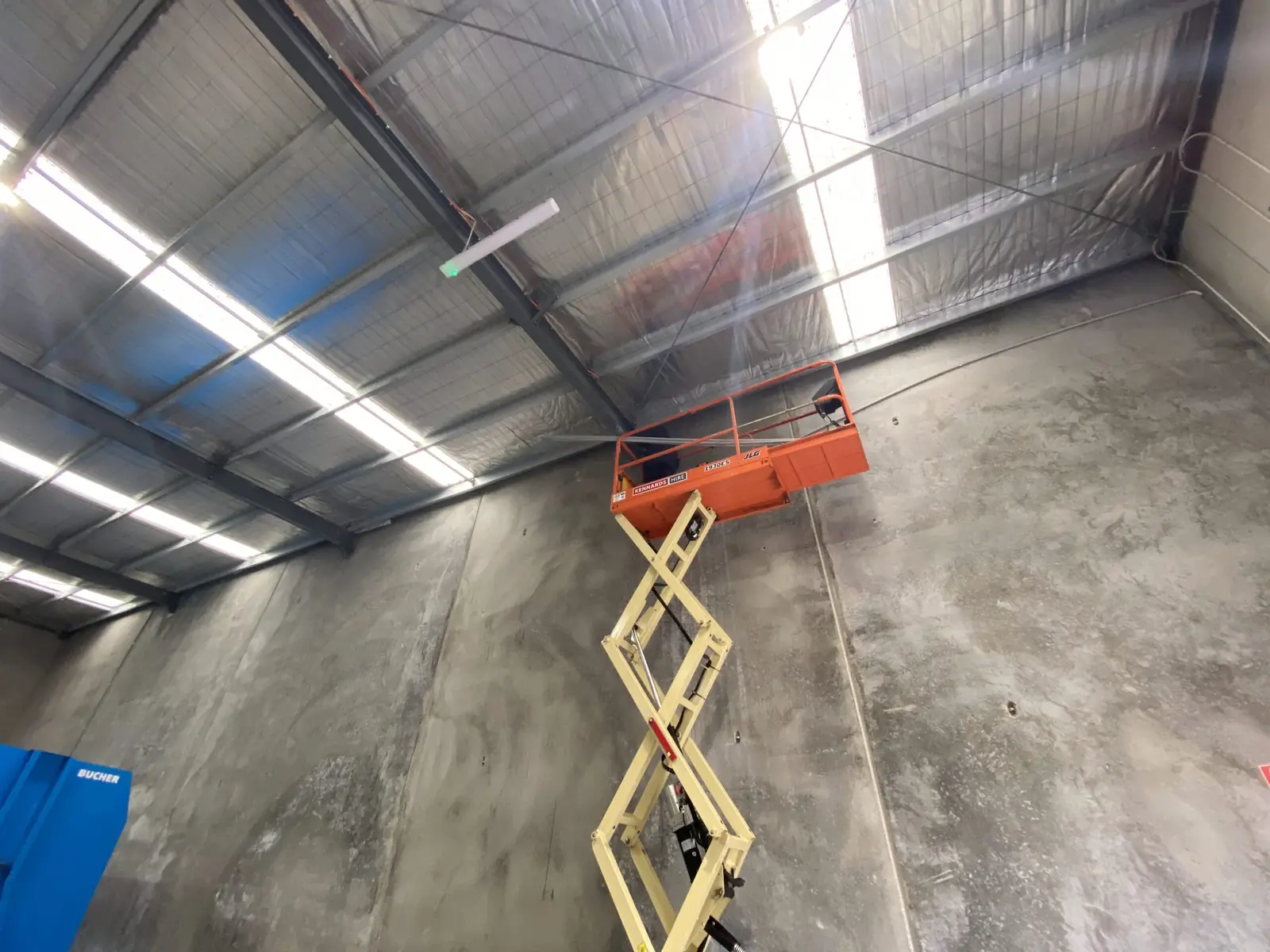
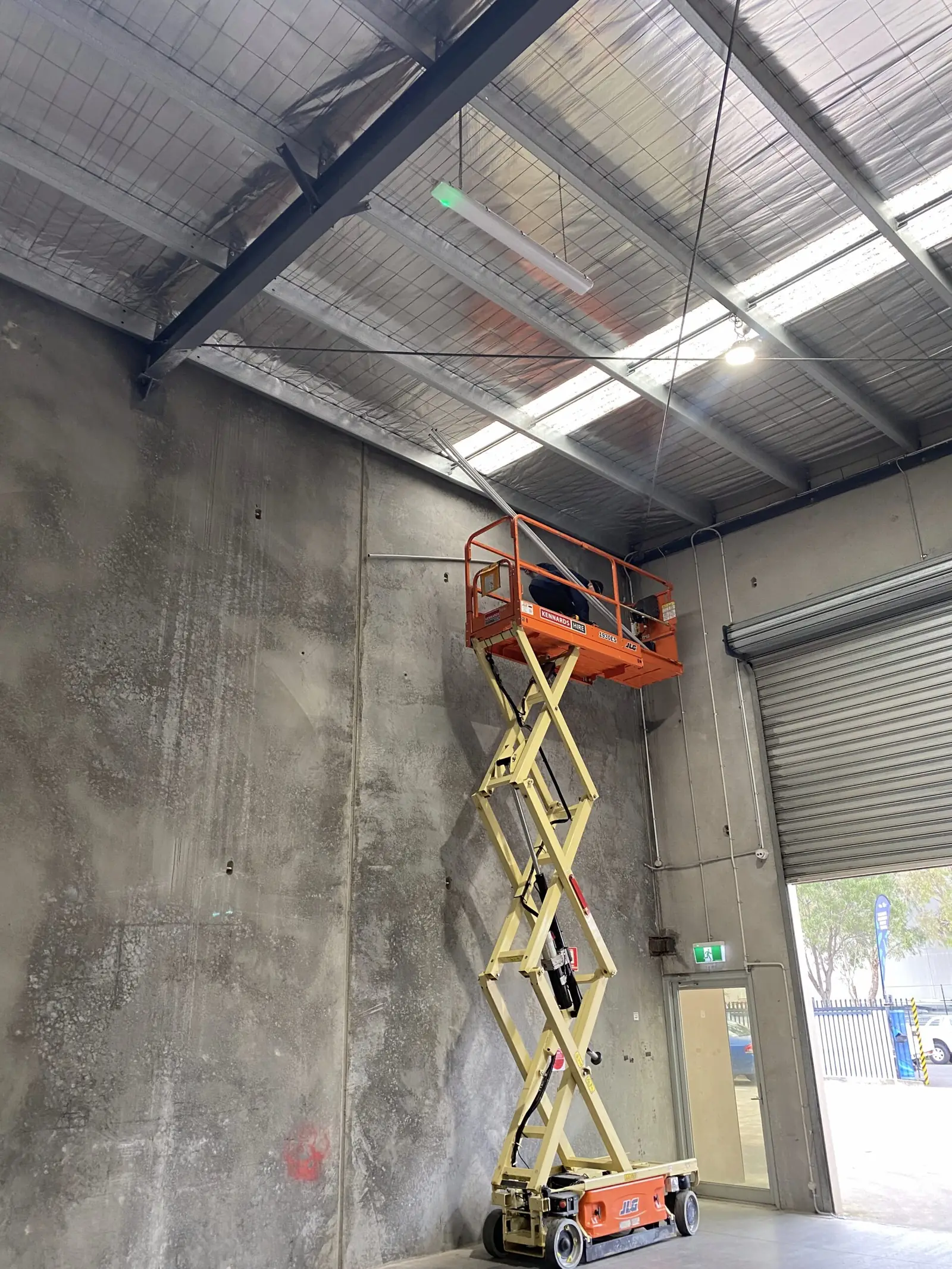
Elevated install
High ceilings mean scissor lifts and EWPs — we're equipped for elevated work and hold current White Card certification. APs are mounted at the height the design calls for, not the height a ladder reaches.
- Step 05
Configure and test
Roaming tuned for handheld scanners, VLANs tagged, cameras added to Protect, readers enrolled on doors and roller shutters, then coverage verified back across the floor.
- Step 06
Handover
As-built drawings on completion, labelled rack and patch panel, admin credentials handed over, and all work coordinated with your site manager throughout.
FAQs
What operations managers ask us.
Why is WiFi so much harder in a warehouse than an office?
Will the coverage hold up as racking changes?
Do handheld scanners need anything special?
Can you cover cold storage, mezzanine offices and the yard?
Can you work while we're operating?
What about a new build or an expansion?
Related reading
Go deeper.
From the work
Recent industrial work
Request a quote
Get a quote for your warehouse or factory.
We service warehouses and industrial facilities across metropolitan Melbourne and surrounding regions. We'll walk your facility, identify the right solution and provide a fixed-price proposal.