Bars, cafés & restaurants
Venue WiFi and CCTV that keep up with the rush.
Melbourne's hospitality venues have unique demands. Customers expect fast, reliable guest WiFi the moment they walk in, staff need a separate secure network for POS and back-office operations, and with high foot traffic and valuable equipment on site, CCTV and access control are increasingly non-negotiable.
- Guest and staff SSIDs with VLAN isolation — POS stays off the guest network
- Access point placement designed for full dining rooms and outdoor areas
- Local NVR recording with no cloud subscription fees
- After-hours installs that work around your trading schedule
The problem
Friday at 7:30 is the only test that counts.
A busy Friday night service can see dozens of devices hitting your network simultaneously. Most venues are running a single modem from the retail provider, sitting in the office behind a brick wall, with everything on one flat network — the EFTPOS terminal, the ordering tablets, the kitchen printer, the music streaming box, the office computer and every guest in the room.
When that saturates, the symptom isn't slow browsing. It's a card terminal that spins and times out with a queue at the counter, an online ordering tablet that drops mid-service, and a docket printer in the kitchen that stops without anyone noticing for ten minutes. Courtyards and footpath seating are usually outside coverage entirely, and cellars and cool rooms kill what's left.
Security is the other half. Hospitality venues face real challenges — late-night incidents, theft, staff access to cool rooms and stockrooms, and after-hours monitoring — and a legacy recorder that nobody can get footage from is no use when you need to answer an incident or a chargeback the next morning.
What we install
Built for the pace and pressure of hospitality.
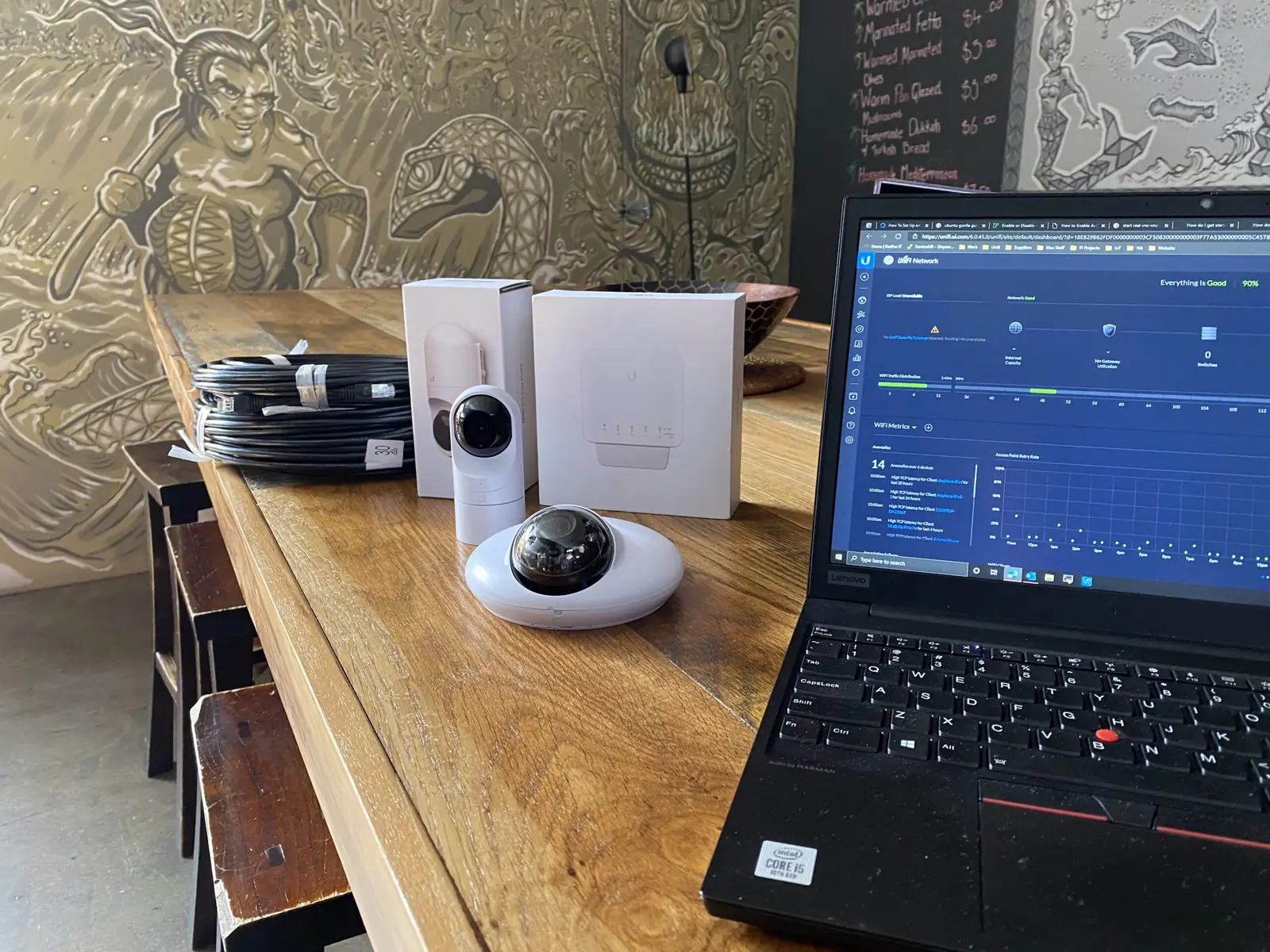
Enterprise-grade UniFi WiFi, CCTV and access control, managed as one system with one dashboard — so keeping guests browsing, staff processing orders and your POS humming isn't three separate jobs.
High-density access points
Access point placement planned for crowded dining rooms, courtyards and outdoor areas, using WiFi 6 or newer hardware in venues with heavy concurrent device loads. Placement follows the seating plan, not the nearest power point.
View the hardwareGateway, VLANs and portal
Separate guest and staff SSIDs with VLAN isolation, so POS and payments stay completely off the guest network. A captive portal carries your branding for guest login, with optional social login or voucher access.
View the hardwarePoE switching
One PoE switch powering access points, cameras and readers, sized with headroom so adding a camera later doesn't mean replacing the switch.
View the hardwareCellular failover
A 4G or 5G backup path so an NBN outage during service doesn't mean cash-only and a queue at the counter.
View the hardwareUniFi Protect cameras
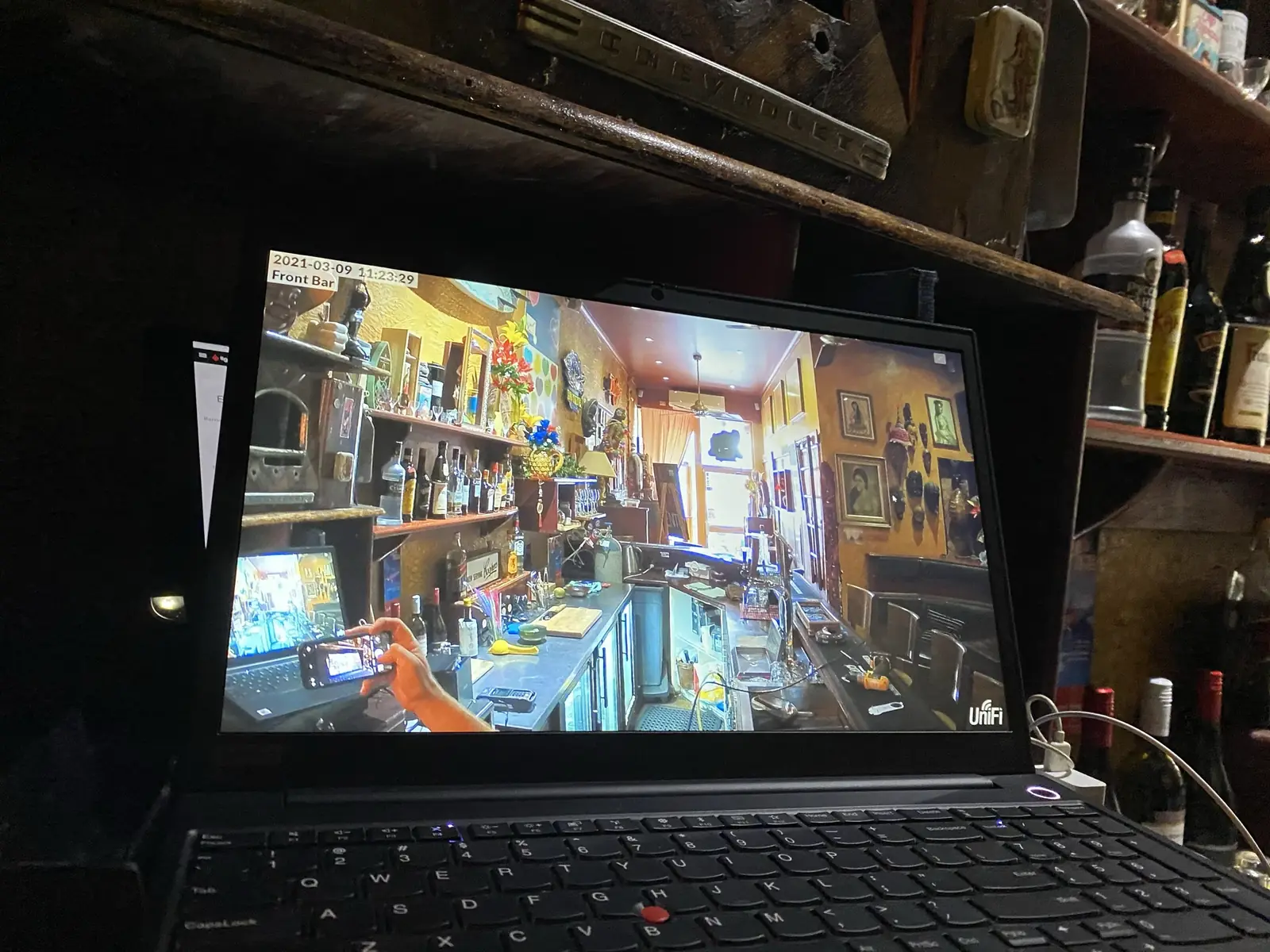
Coverage over entrances, bar areas, tills, car parks and back-of-house, recorded locally on an NVR with no cloud subscription fees, and remote viewing for owners and managers from any device.
View the hardwareDoor access
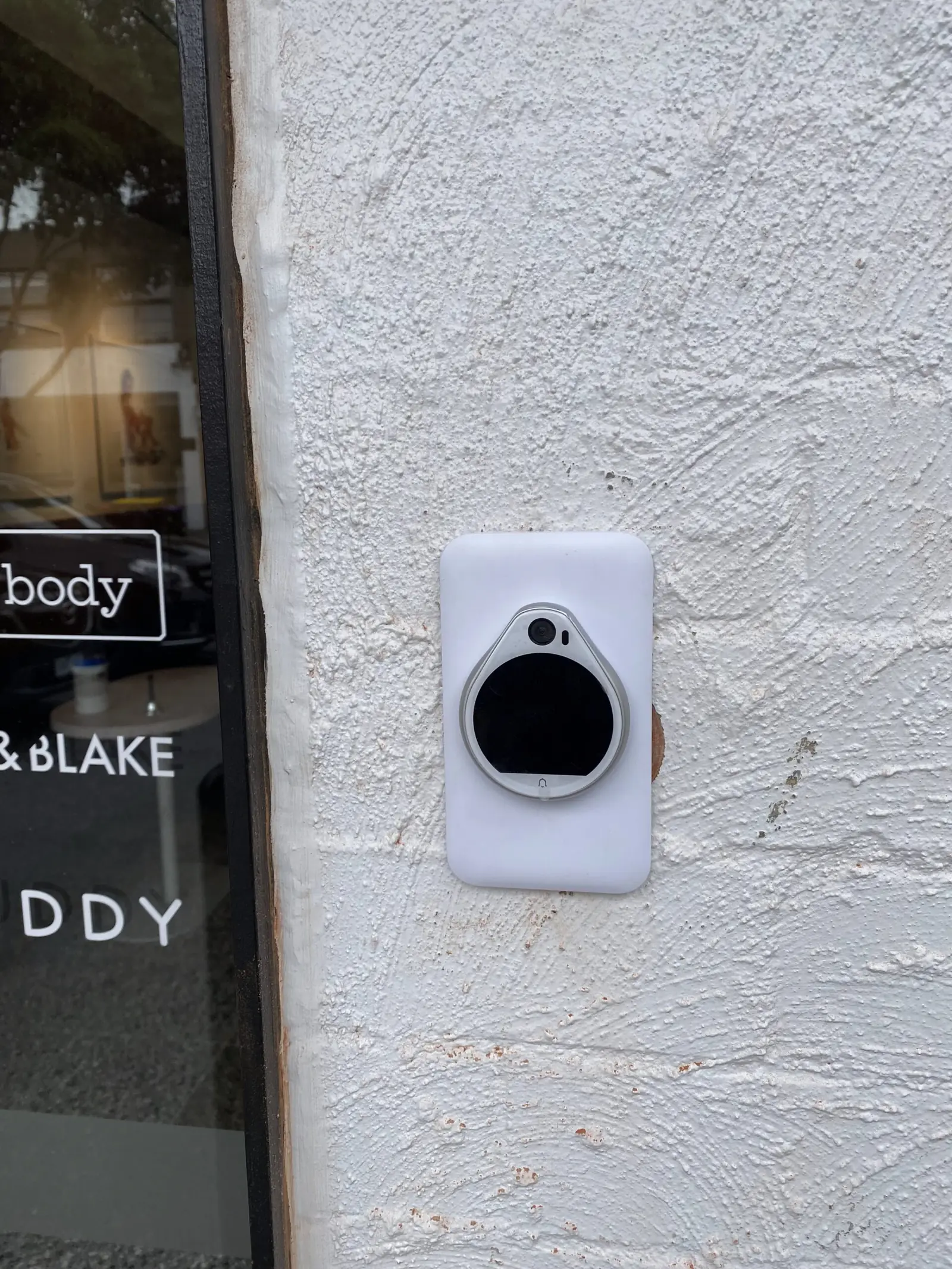
Electronic access control for cool rooms, stockrooms, offices and staff-only areas, so a departing staff member is revoked in seconds and every entry is timestamped.
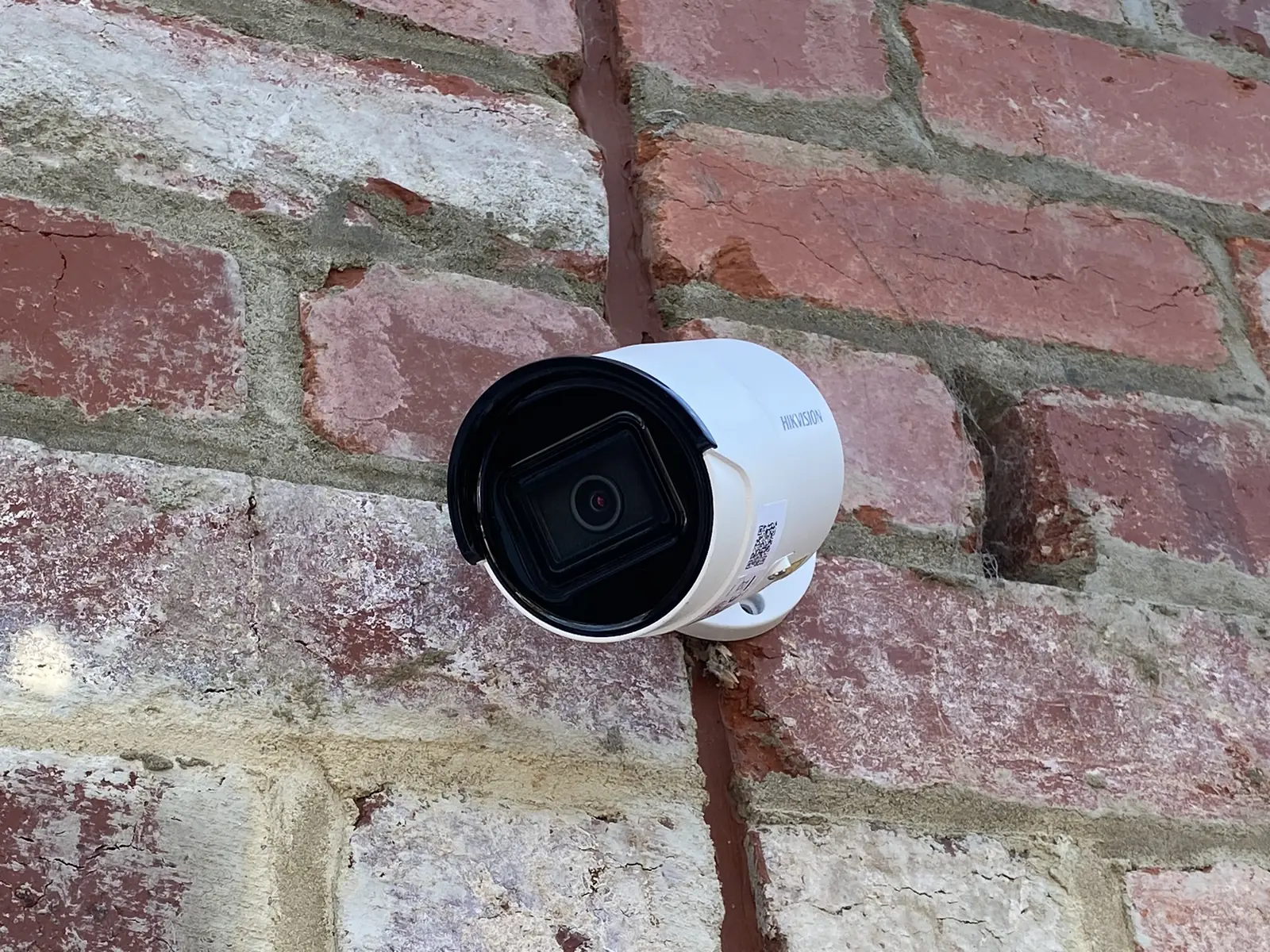
View the hardwareUniFi is our default and most of what goes into a venue. Where the site needs it we also fit Teltonika 4G and 5G failover so EFTPOS survives an outage, APC UPS protection on the rack, and Hikvision cameras where an existing system is worth keeping.
What changes
The network stops being a variable.
We manage the network remotely so you don't have to think about it during service.
Payments never share a lane
POS and EFTPOS sit on an isolated VLAN that guest devices cannot reach or slow down.
Designed for peak, not for 10am
Dozens of devices hitting the network at once is the design case, not the exception.
Local recording, no cloud fees
Footage is retained on-site on your NVR, viewable remotely by owners and managers.
One system, one dashboard
Cameras and doors are managed alongside the WiFi rather than as three unrelated products.
What happens next
Scoped between services, installed after close.
We'll come to you to arrange a site visit and quote — then work around your trading schedule to get it in.
- Step 01
Site visit
We come to you, walk the venue during a quiet period, and check the seating plan, the courtyard, the cellar and where the comms gear can safely live.
- Step 02
Design
AP placement for peak seating, SSID and VLAN plan for guest, staff and POS, camera positions over the till and entries, and the cable routes to serve them.
- Step 03
Cabling
Cat6 runs through ceilings, cellars and conduit into a labelled, lockable enclosure — well away from the pass and the wash-up.
- Step 04
Install
Mounted and dressed after close or between services, so the venue trades as normal and nothing is left half-finished across a service.
- Step 05
Configure and test
Guest portal branded, POS isolated on its own VLAN, failover tested, cameras added to Protect, readers enrolled on cool room and office doors, roaming checked across the floor.
- Step 06
Handover and support
Managers shown the dashboard and the camera app, credentials handed over, and remote monitoring available so we can look at it without pulling someone off the floor.
FAQs
What venue owners ask us.
Will guest WiFi slow down our EFTPOS?
What happens if the internet goes down mid-service?
Can you install without closing the venue?
Do we need a captive portal?
Where should cameras go in a hospitality venue?
Can we control who gets into the cool room and stockroom?
From the work
Recent hospitality work
Request a quote
Get in touch to arrange a site visit — we'll come to you.
Tell us the venue size, the seating plan and what's failing during service, and we'll come back with a fixed quote for the WiFi, cameras and door access.