UniFi WiFi Installation in Melbourne: What to Expect
UniFi has become the go-to WiFi platform for Melbourne businesses, strata buildings, hospitality venues and serious home users — and for good reason. But if you've never had a professional network installed before, the process can seem unfamiliar. Here's exactly what to expect…
UniFi has become the go-to WiFi platform for Melbourne businesses, strata buildings, hospitality venues and serious home users — and for good reason. But if you’ve never had a professional network installed before, the process can seem unfamiliar. Here’s exactly what to expect when Melbourne WiFi installs your UniFi system.
Why UniFi Instead of Consumer Gear?
Consumer routers from Netgear, TP-Link or your ISP are designed for simplicity, not performance. They work fine for a small apartment but fall apart in larger homes, multi-tenancy buildings and commercial environments. UniFi is a business-grade platform designed for:
- Seamless roaming — devices hand off between access points without dropping connection
- VLAN separation — guest, staff and IoT devices on completely isolated networks
- Central management — every device visible and configurable from a single dashboard
- Scalability — add access points, switches and cameras as your needs grow
- Real performance — designed for high device density and demanding applications
Step 1: Site Assessment
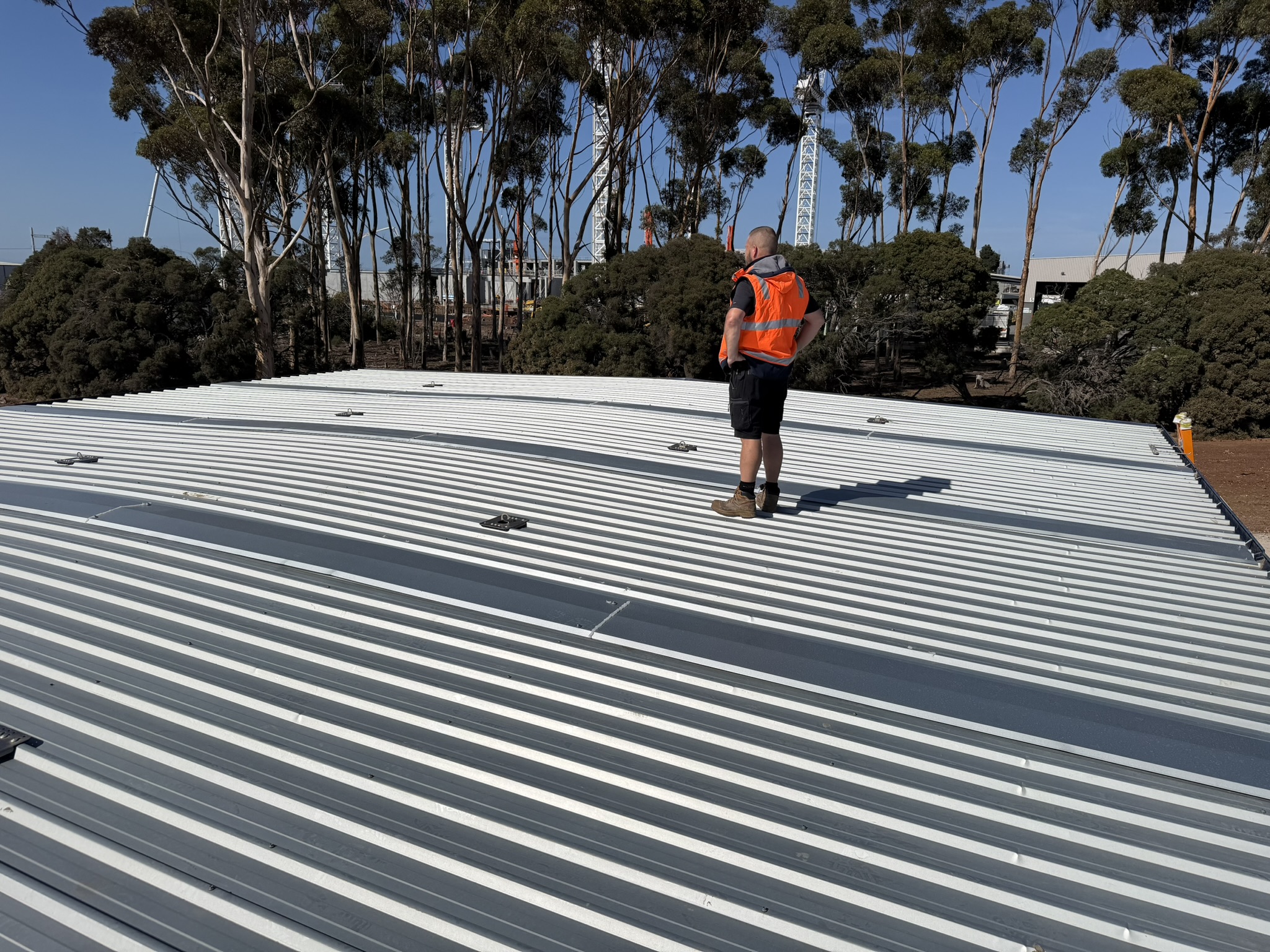
Every installation starts with a site visit. We walk your property with a WiFi analyser, mapping signal coverage, identifying interference sources, and planning access point locations before a single cable is run.
We assess building construction materials (concrete and double brick attenuate signal significantly), the number and type of devices that need to connect, your usage requirements — video calls, POS systems, CCTV, scanners — and any existing cabling we can reuse.
This step is what separates a professional installation from a guess. Getting access point placement right the first time means no dead zones, no retrofitting and no callbacks.
Step 2: Network Design
Based on the site assessment we produce a network design — access point locations, switch capacity, VLAN structure and cabling routes. For commercial and strata installations this is documented and provided to you before work begins so you know exactly what you’re getting.
Typical UniFi network designs for Melbourne properties include:
- Residential — 1–4 access points depending on floor plan, single managed network with optional guest SSID
- Small business — 2–8 access points, staff/guest/POS VLANs, PoE switch, UDM Pro controller
- Strata/commercial — per-floor or per-tenancy design, VLAN isolation, cloud management, CCTV integration
- Warehouse/industrial — high-density AP placement, industrial-rated hardware, scanner-optimised roaming
Step 3: Cabling and Infrastructure
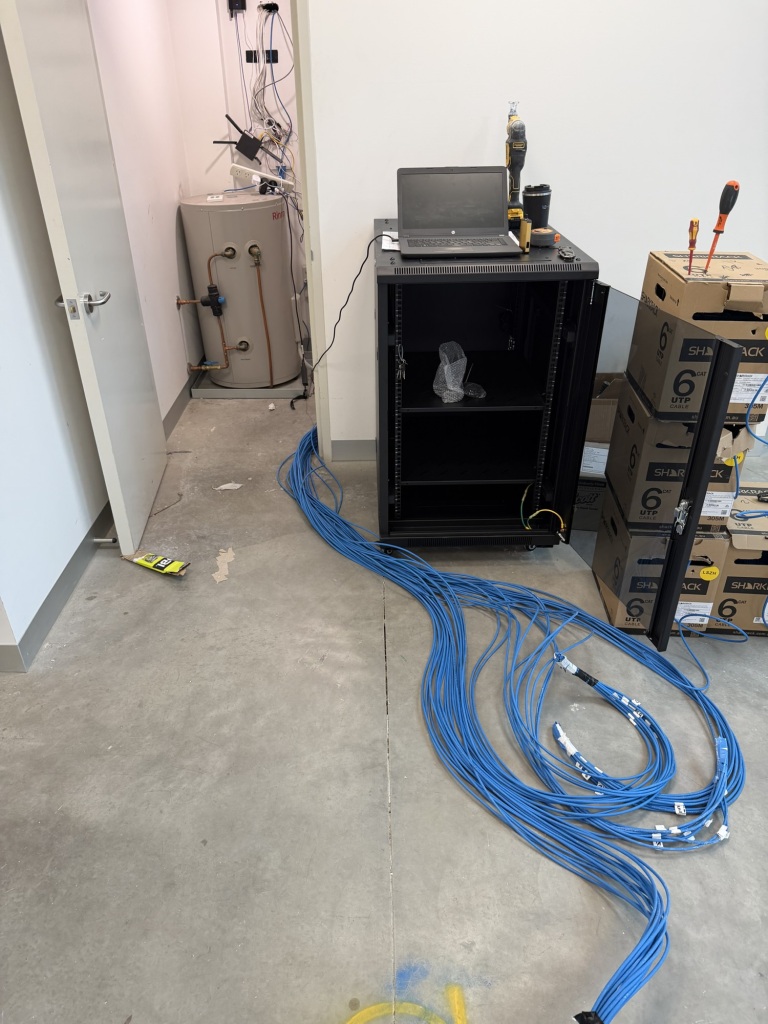
UniFi access points are powered over Ethernet (PoE) — a single Cat6 cable carries both data and power to each AP. This means clean, discreet installations with no power points required at each access point location.
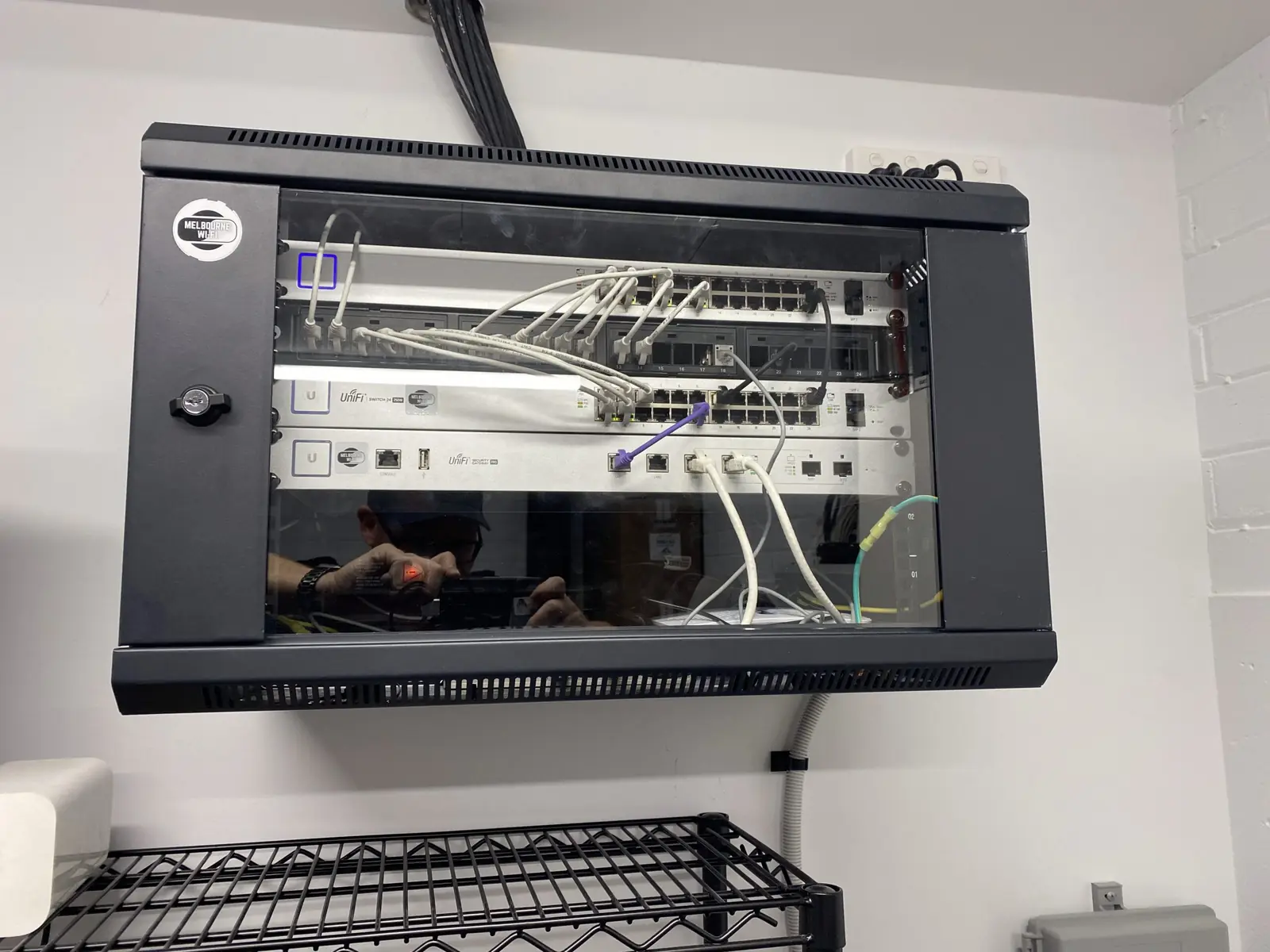
We run Cat6 or Cat6A cabling back to a central patch panel, terminate and test every run, and mount a PoE switch in a wall cabinet or rack enclosure. All cabling is labelled and documented.
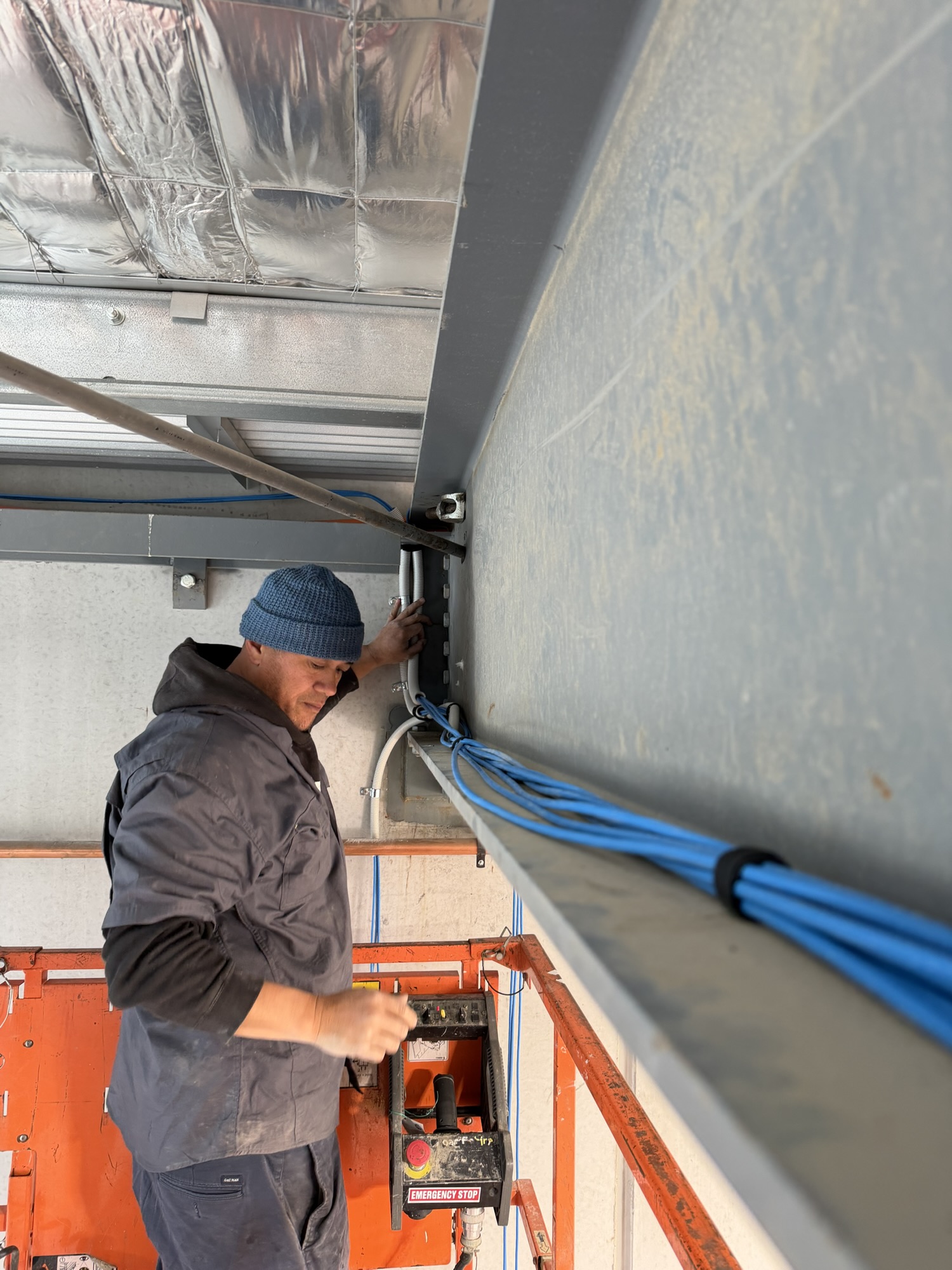
For new builds and fitouts we coordinate with your builder to rough-in conduit before walls are closed. For existing properties we run cables through roof spaces, wall cavities and conduit to keep the installation clean.
Step 4: Access Point Installation
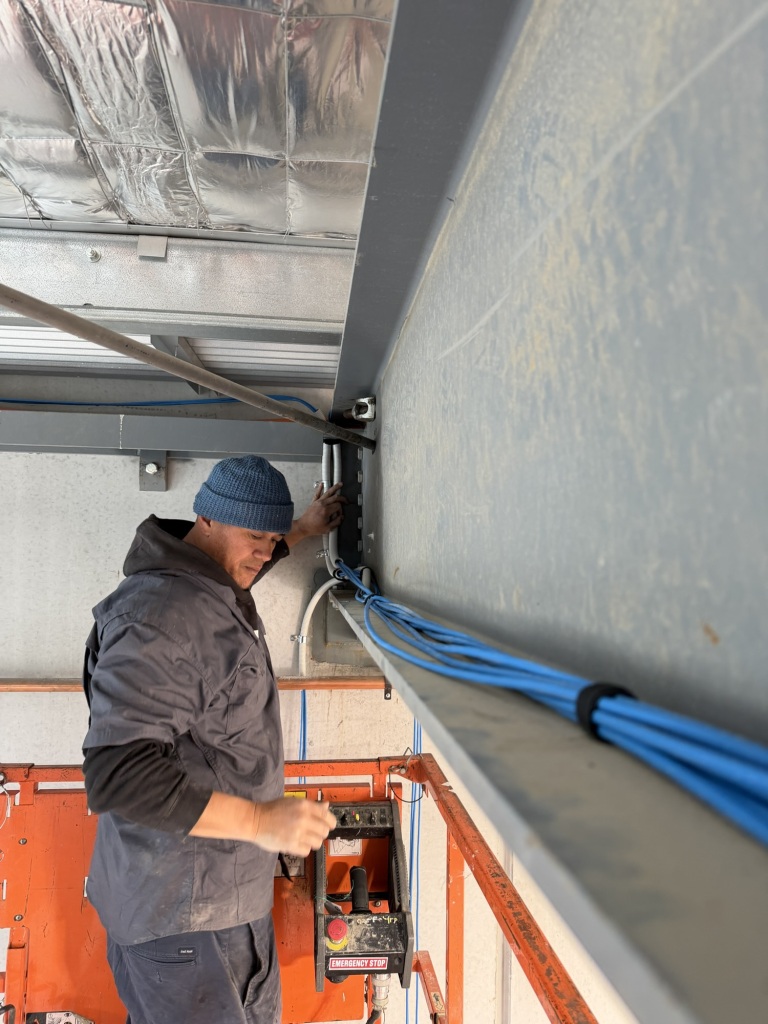
UniFi access points are ceiling or wall mounted, depending on the space. Ceiling-mounted APs provide the best 360° coverage and are the preferred option wherever possible. They sit flush and unobtrusive — most visitors don’t notice them.
For high-ceiling environments like warehouses, factories and atriums we use scissor lifts or elevated work platforms. Our team holds current White Cards and carries SWMS documentation for elevated and commercial work sites.
Every access point is tested for signal strength and coverage before we move on. We don’t finish until the numbers are right.
Step 5: Configuration and Testing
Once hardware is installed we configure the UniFi controller — either a cloud-hosted UniFi Site Manager account or an on-premises UDM Pro. This is where the network comes to life:
- SSIDs named and secured with WPA3 or WPA2 as appropriate
- VLANs configured and tagged across the switch
- Band steering and roaming thresholds optimised for your device types
- Guest portal configured if required
- CCTV cameras added to UniFi Protect if included
- Access control readers enrolled if included
- Full throughput and roaming test across the entire site
Step 6: Handover
At handover we walk you through the UniFi dashboard, provide your network credentials, and explain how to add new devices. For business clients we provide as-built documentation showing cable routes, access point locations and VLAN structure.
We offer ongoing remote support and monitoring for clients who want it — we can see when a device goes offline, respond to performance issues and push configuration changes without needing to come back on site.
How Long Does Installation Take?
Most residential UniFi installations take half a day to a full day. Small commercial installs (café, office, retail) typically take one day. Larger commercial, strata and industrial installations are scheduled over multiple days depending on scope.
We work around your schedule — early morning, evenings and weekends available for commercial sites that can’t close during business hours.
What Does UniFi Installation Cost in Melbourne?
Pricing depends on the size of the property, number of access points, cabling complexity and any additional systems (CCTV, access control). As a general guide:
- 2–3 AP residential install — from $800 including cabling and configuration
- Small business (4–8 APs) — from $1,800 including switch, cabling and configuration
- Commercial/strata — quoted on scope after site assessment
All pricing is fixed-quote — no hourly rate surprises. Hardware is quoted separately at competitive reseller pricing.
Ready to Get Started?
Melbourne WiFi installs UniFi systems across Melbourne’s residential, commercial, hospitality and industrial sectors. Contact us for a site visit and fixed-price quote.
Get in touch or call 0477 733 330.