How Much Does UniFi Installation Cost in Melbourne? (2026 Guide)
The honest answer to what a UniFi network costs in Melbourne — what drives the price up or down, indicative ranges for homes, offices and strata buildings, and how to get a real number without sitting through a sales pitch.
“How much will it cost?” is the first question on every enquiry, and the answer you’ll usually get from an installer is “it depends”. That’s true — but it’s not helpful. This guide explains what it depends on, gives you real indicative ranges for Melbourne properties, and shows you how to get an accurate number for your own site in about ten minutes.
One thing up front: we quote fixed prices after understanding the site. Nothing below is a price list — it’s the honest shape of what jobs cost, so you can budget before you talk to anyone.
The Four Things That Drive the Price
Every UniFi quote in Melbourne comes down to the same four variables.
1. How many access points the space needs. Not how big the building is — how it’s built. A 300 m² open-plan office might need two access points; a 200 m² double-brick Edwardian home with rendered walls can need four. Brick, concrete, foil insulation and glass partitions all eat WiFi signal, and the only fix is more, better-placed access points — never one louder router.
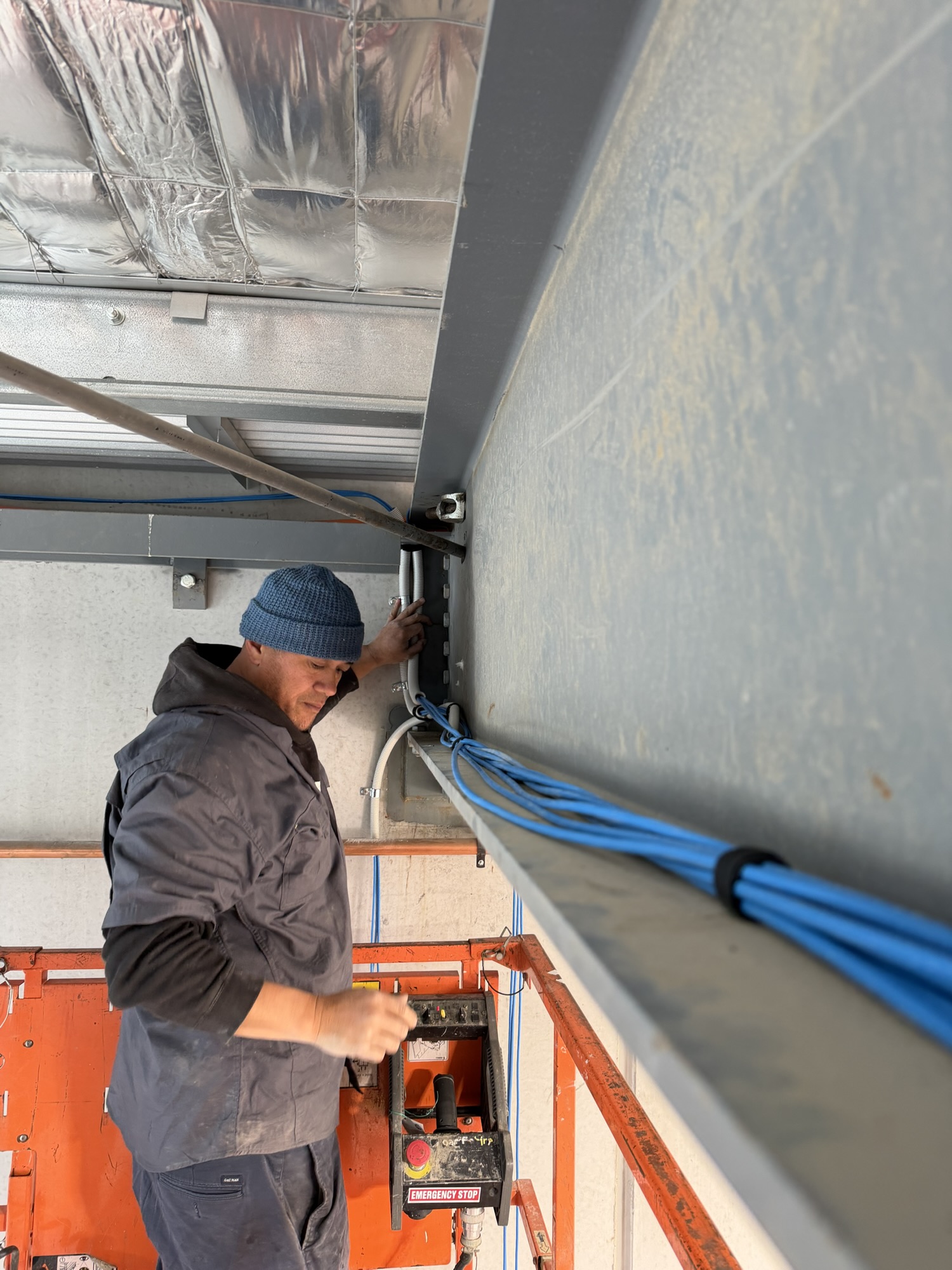
2. Cabling complexity. Running Cat6 through a modern office ceiling with accessible tiles is quick. Getting cable through a heritage building, a concrete slab, or a two-storey home with no roof access is where the labour hours actually go. If your building already has usable data cabling to the right locations, your cost drops significantly.
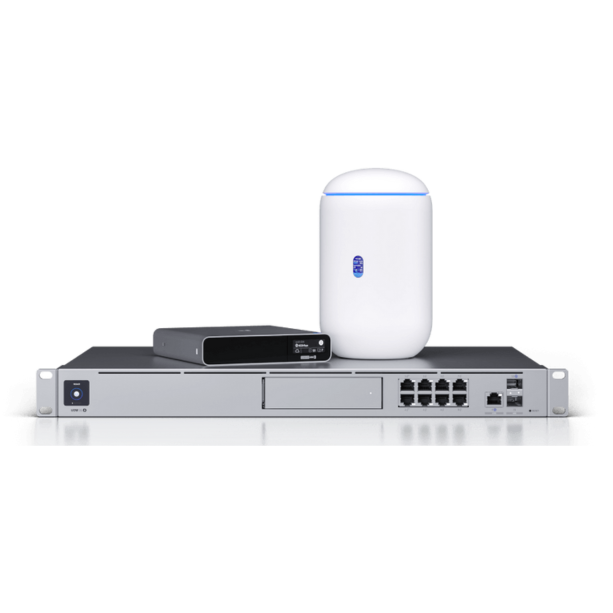
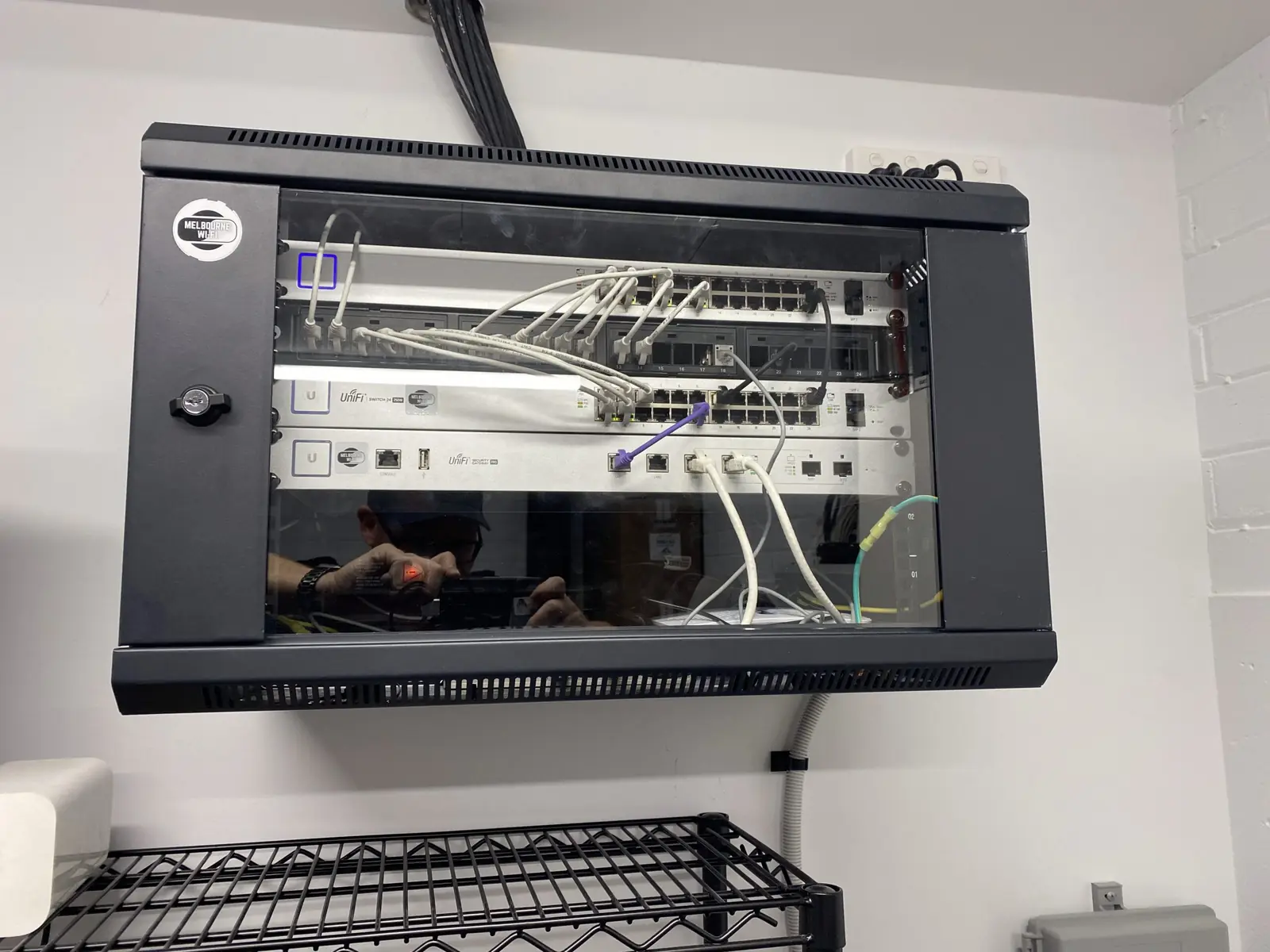
3. The switching and power behind it. Every UniFi access point and camera is powered over the data cable itself (PoE), which means the switch in your rack has to have enough ports and enough power budget. Small sites get away with an all-in-one gateway; larger sites need a proper PoE switch, a rack and a UPS. You can check the power maths yourself with our free UniFi PoE Designer.
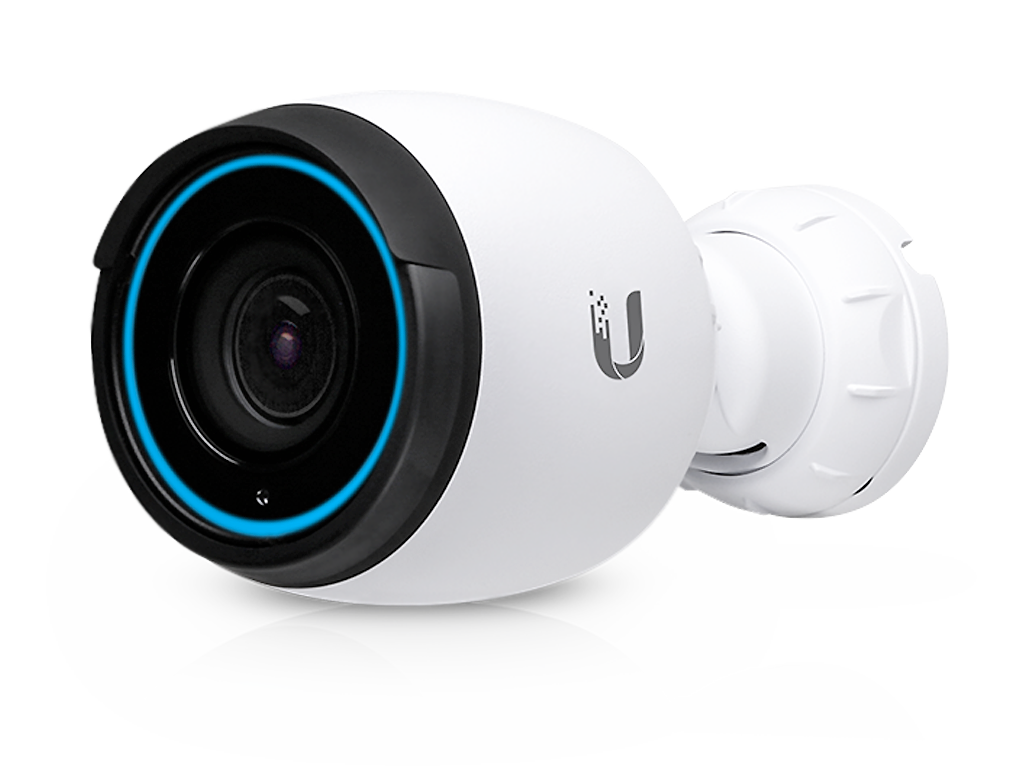
4. What else rides on the network. WiFi rarely travels alone. Once the cabling and switching are in, adding UniFi Protect cameras or door access readers costs far less than doing them as separate projects later — the expensive parts (cabling, switch capacity, rack) are shared.
Indicative Ranges for Melbourne Properties
These are general guides, not quotes — every figure assumes cabling, hardware installation, configuration and handover, done properly and documented.
- Residential (2–3 access points): from around $800 for installation including cabling and configuration, with hardware quoted separately. Most homes land here.
- Small business — café, retail, small office (4–8 access points): from around $1,800 for installation including a switch, cabling and configuration, plus hardware.
- Commercial offices, venues and warehouses: quoted on scope after a site assessment. Coverage area, ceiling heights, after-hours access requirements and the number of cameras and doors all move the number.
- Strata and owners corporation buildings: always quoted on scope, and always documented so a committee can approve it properly. As a reference point, common-property CCTV for a small building typically lands between $3,000 and $6,000 installed — building-wide WiFi and intercoms are scoped alongside it.
If a number you’ve been quoted elsewhere is dramatically lower than these shapes, it’s worth asking what’s been left out. The usual answers: no site survey, consumer-grade hardware, unlabelled cabling, no documentation, and no one answering the phone in six months.
Where Cheap Installs Get Expensive
We’re regularly called to “fix the WiFi” on sites that already paid for an install once. The pattern is consistent:
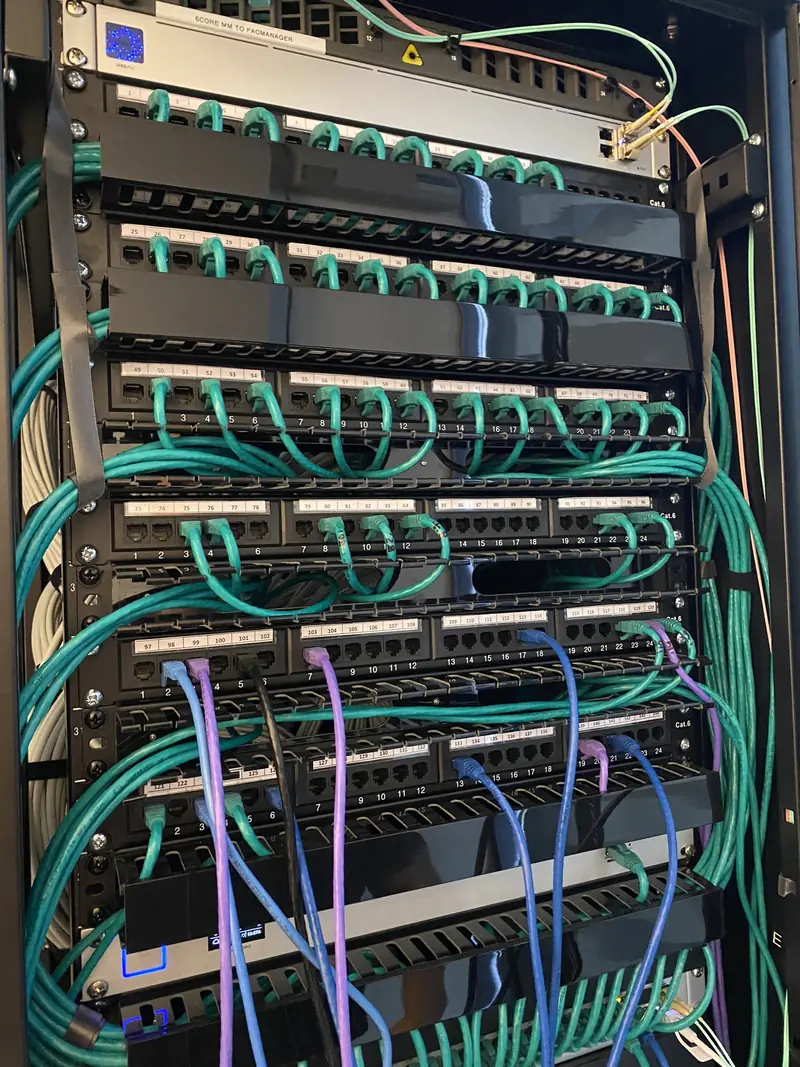
Access points in the wrong places. Placement decided by where cable was easy to run, not where coverage was needed. The fix usually means new cable runs — paying for the same job twice.
No PoE headroom. The switch was sized for exactly the devices installed on day one. Adding two cameras a year later means replacing the switch.
Undocumented everything. No port labels, no VLAN notes, no admin credentials handed over. The next contractor — often us — has to reverse-engineer the network before they can touch it, and you pay for those hours.
A proper install costs more on day one and less every year after. That’s the whole trade-off.
What a Fixed Quote From Us Includes
Site survey, access point placement designed for your building’s construction, all cabling and terminations, PoE switching sized with headroom, configuration (including separate guest and staff networks where it matters), a walkthrough at handover, and as-built documentation for business clients. Fixed price, no hourly-rate surprises. Hardware is itemised separately so you can see exactly what you’re paying for.
Get a Real Number for Your Site
The fastest path to an accurate figure: build your kit in our free Network Builder — it takes a few minutes and sends your configuration straight to us — or just request a quote and we’ll come to you. For offices and commercial fit-outs, our commercial office page covers what a typical business install involves.
No obligation, no sales pitch, and the quote you get is the price you pay.
- UniFi
- cost guide
- Melbourne