Residential · Malvern
A two-storey family home, upgraded one stage at a time
Patchy WiFi upstairs and growing security concerns, solved in stages — whole-home WiFi 6 and Protect cameras first, then a doorbell intercom and full UniFi Access on the gate and front door.
- Access points
- 4
- Protect cameras
- 5
- Entry points secured
- 2
A two-storey family home in Malvern with two separate frustrations: WiFi that dropped out in half the house, and a growing unease about security.
Both are common. What made this project worth writing up is how it was delivered — in stages, with the homeowner deciding to go further each time because the previous stage actually worked.
Stage one — coverage and cameras
We started with an on-site assessment, because guessing at access point placement in a double-storey home is how you end up with four APs and still a dead patch in the back bedroom.
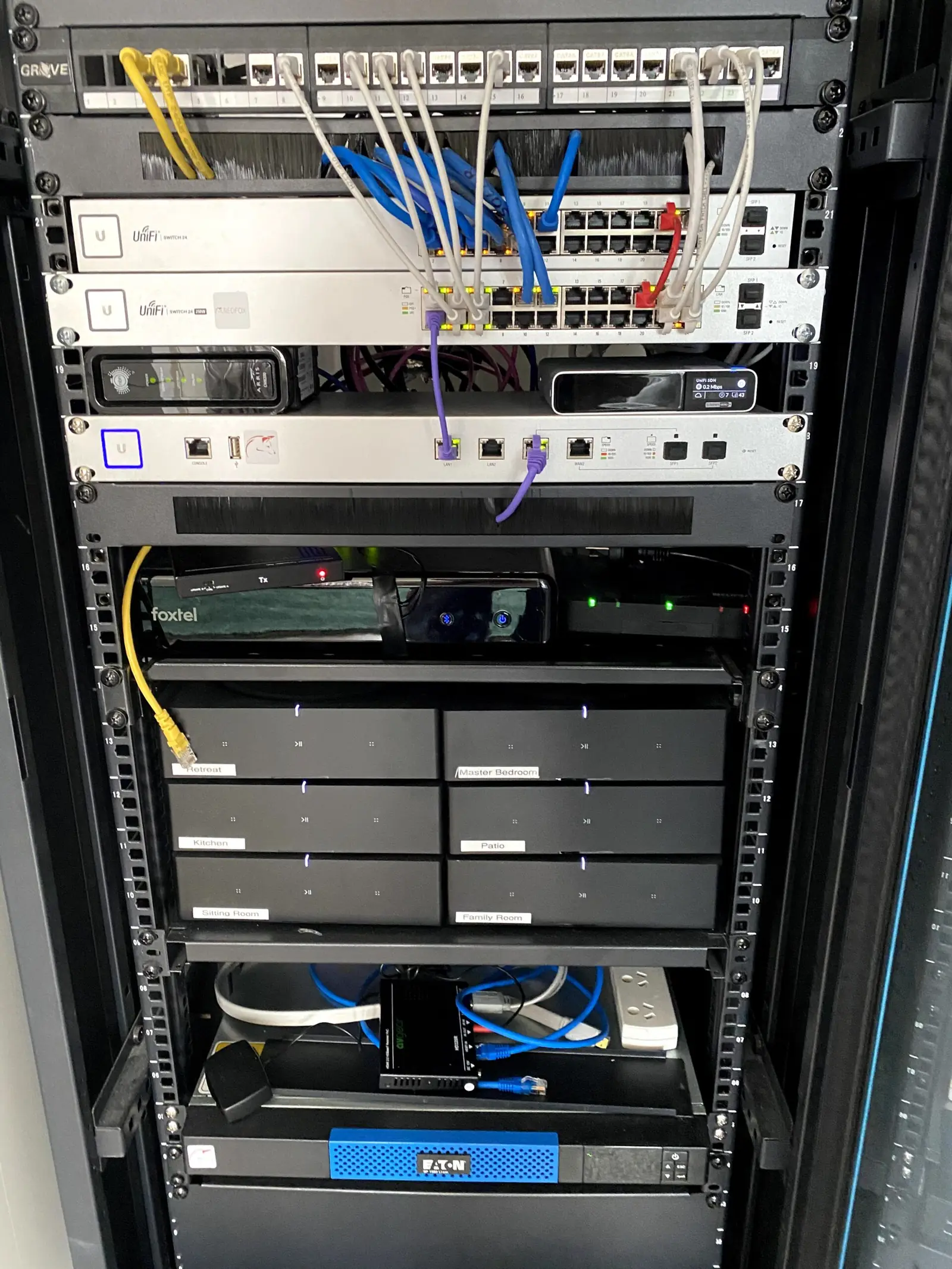
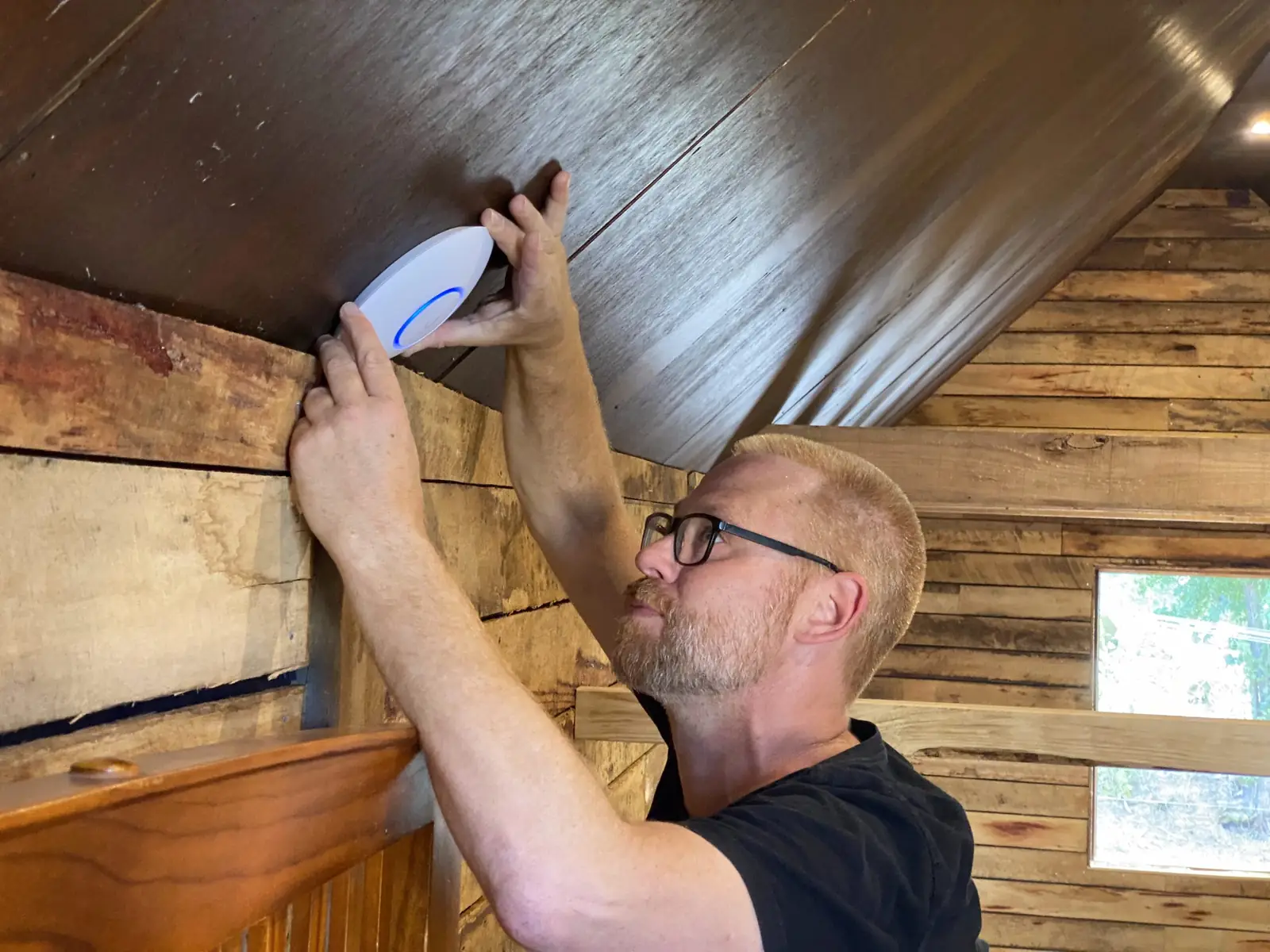
We installed a UniFi Dream Machine in the home office as the core of the system, paired with four UniFi WiFi 6 access points positioned for genuine whole-home coverage.
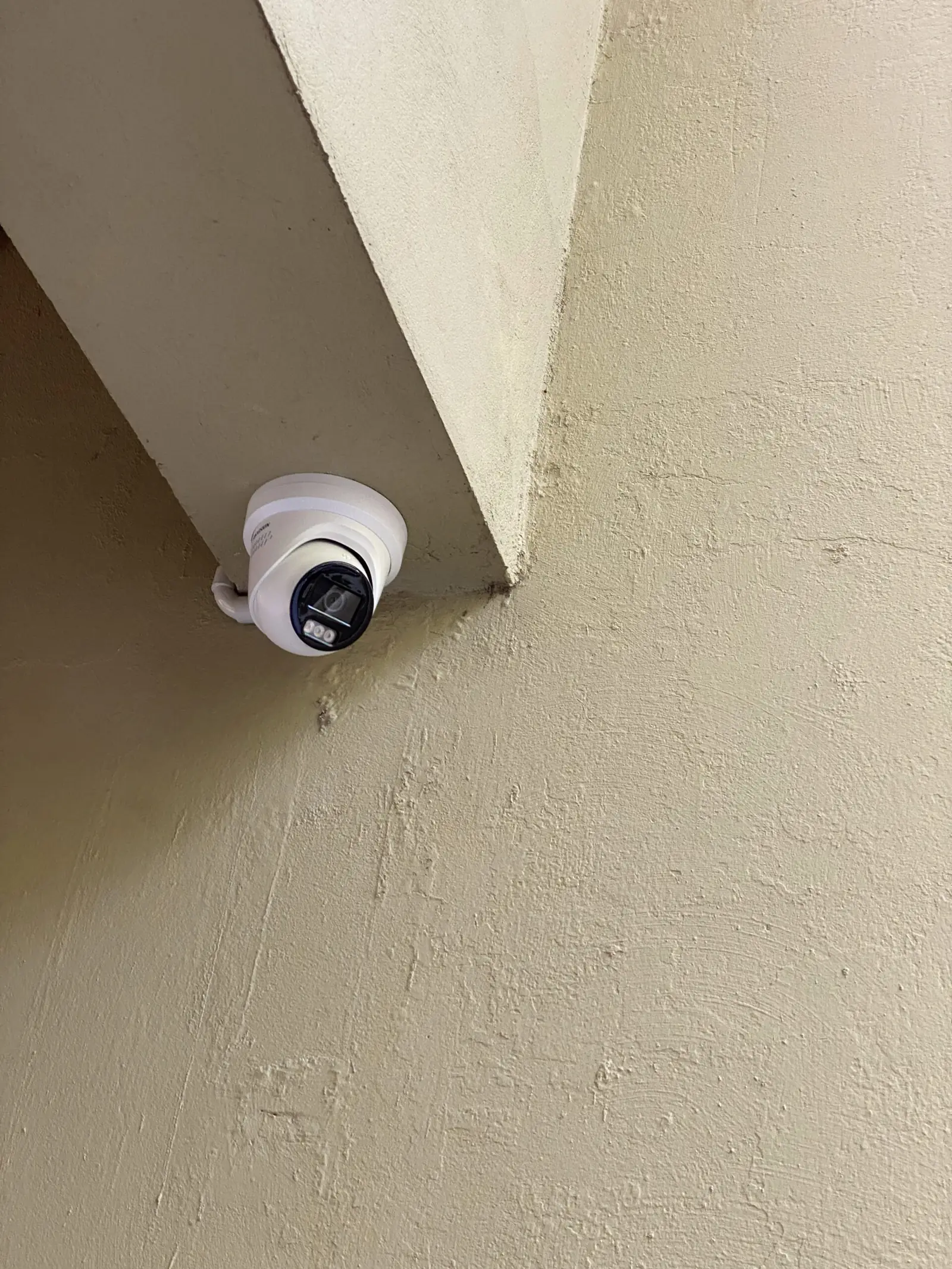
For security, five UniFi Protect cameras went in around the property — two at the front, two at the rear, and one covering the side pathway, which is the approach most often overlooked.
Stage two — the front gate
Impressed with how the first stage performed and how it was all managed from one place, the homeowner expanded the system.
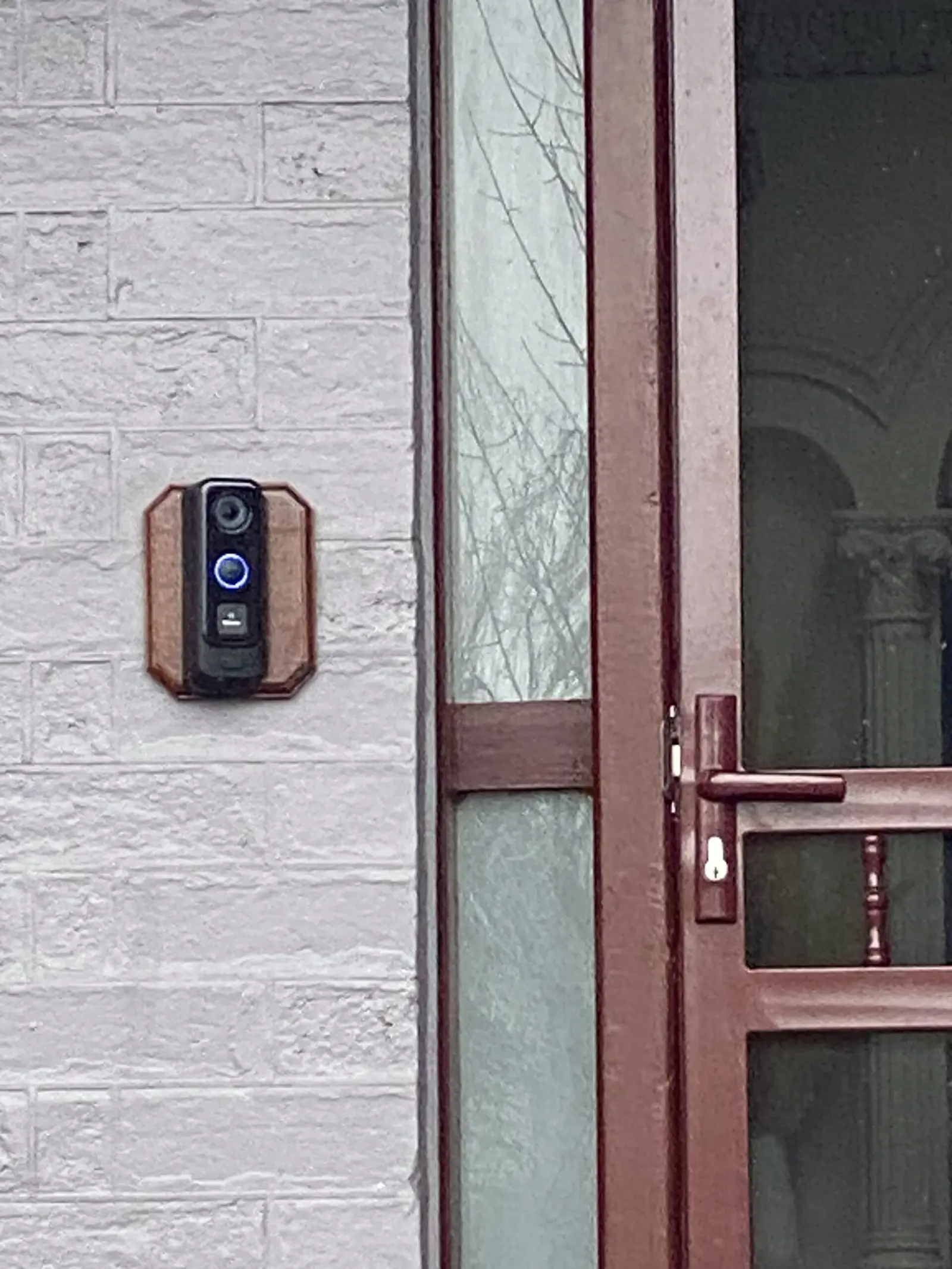
We added a UniFi doorbell intercom at the front gate. That gave him mobile app access to answer visitors and accept deliveries from anywhere — the same convenience problem we solve in apartment buildings, just at a single address.
Stage three — access control
Finally, we installed UniFi Access on both the front gate and the front door. Entry now works by mobile phone, key fob, or through the doorbell — no more hiding a spare key or rekeying when one goes missing.
The results
The finished system delivers:
- Fast, reliable WiFi in every room, upstairs and down
- 24/7 HD surveillance with remote access from anywhere
- Secure, convenient entry for family, guests and couriers
All of it runs through a single UniFi app. That’s the real argument for staying on one platform in a home: not the individual products, but the fact that there’s one place to look and one system to learn.
The staged approach is worth calling out too. There was no requirement to commit to everything up front — each phase stood on its own, and the next one happened because the homeowner wanted it, not because it was sold in a bundle.
From the install